
Categories:

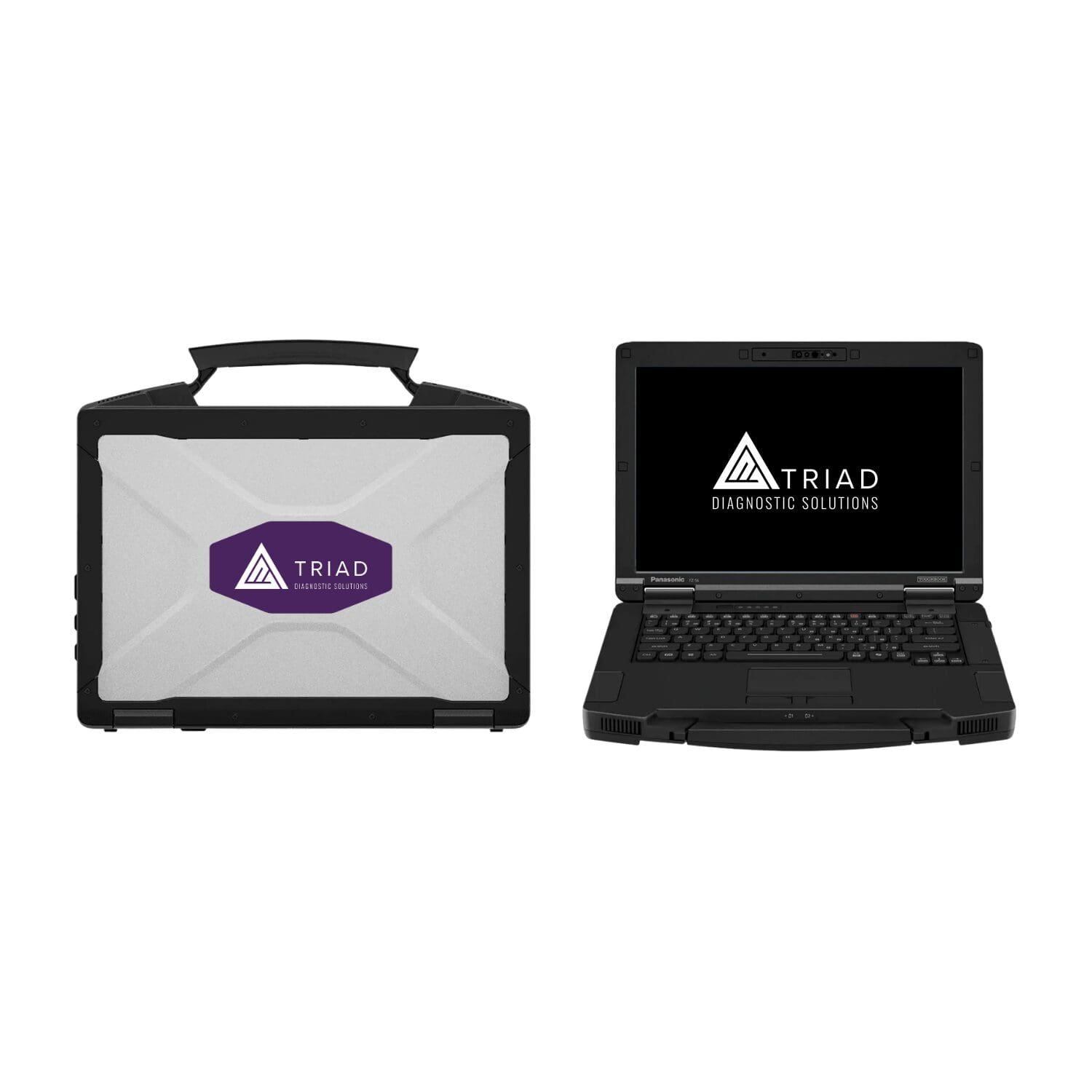
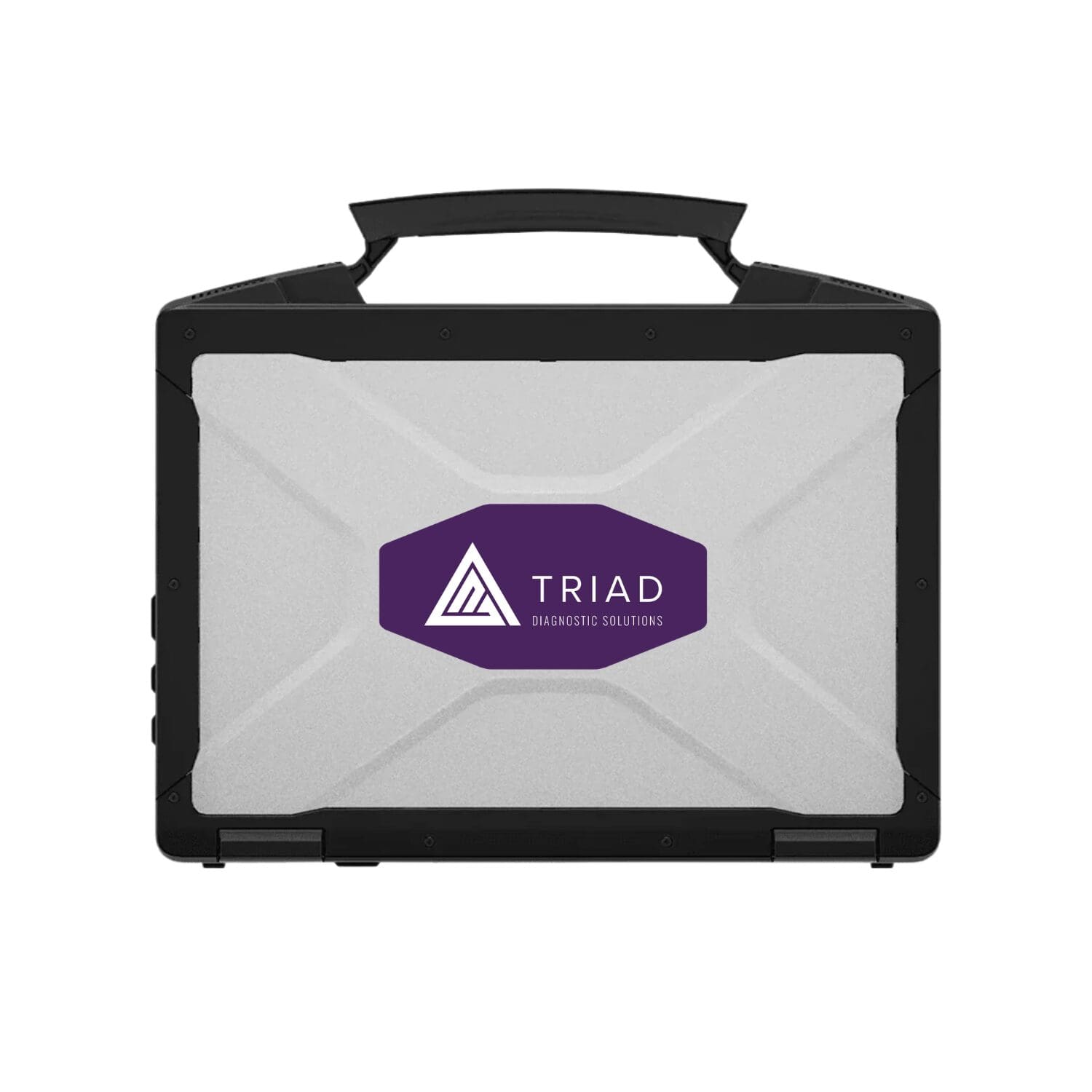
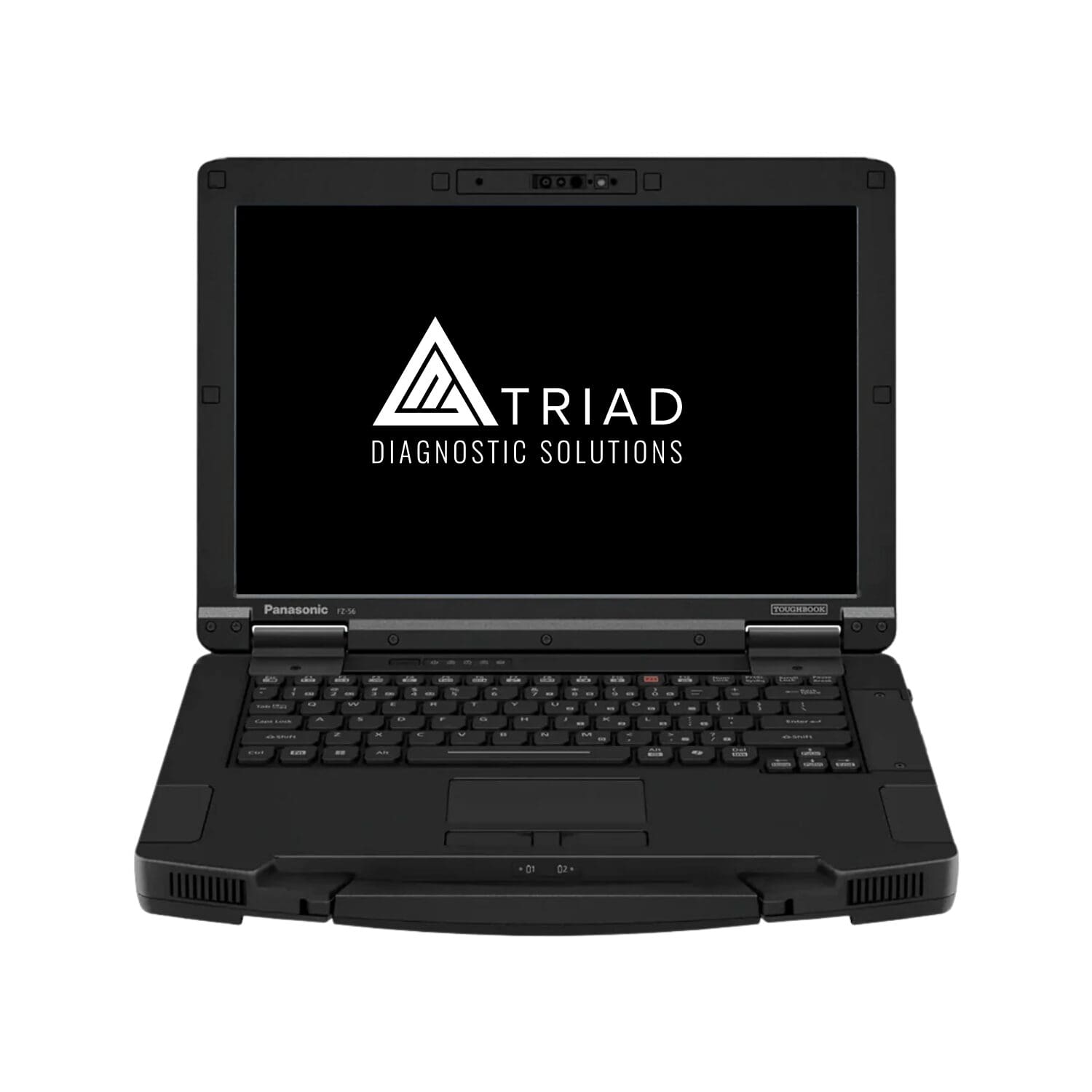
Panasonic TOUGHBOOK 56 16GB Non-Touch Rugged Laptop

SKU: FZ56AZ017BM

$3,056.09

The Panasonic TOUGHBOOK 56 16GB Non-Touch Rugged Laptop is a 14-inch Windows 11 Pro computer built for service bays, fleet workshops, and technicians who need dependable computing away from an office desk. Its rugged testing, modular construction, and familiar keyboard-based workflow make it a practical foundation for compatible diagnostic software and service information.
The Panasonic TOUGHBOOK 56 16GB Non-Touch Rugged Laptop gives shops and fleet maintenance teams a durable, adaptable workstation for everyday diagnostic and service tasks.

The 14-inch 16:10 display provides more vertical room for service procedures and diagnostic results, while the non-touch configuration keeps interaction straightforward for technicians who prefer a keyboard and touchpad. Six user-replaceable areas help extend the laptop’s usefulness as memory, storage, battery, or connectivity needs change. Panasonic also maintains compatibility with supported existing vehicle docks, which can make computer upgrades easier for operations with equipment already installed.

Triad can help customers use this Windows platform as part of a properly configured diagnostic workstation, with required applications, licenses, and vehicle interfaces selected separately.

The Panasonic TOUGHBOOK 56 16GB Non-Touch Rugged Laptop includes the core components listed for this specific configuration:

  • Panasonic TOUGHBOOK 56 non-touch laptop
  • Windows 11 Pro
  • One standard removable battery
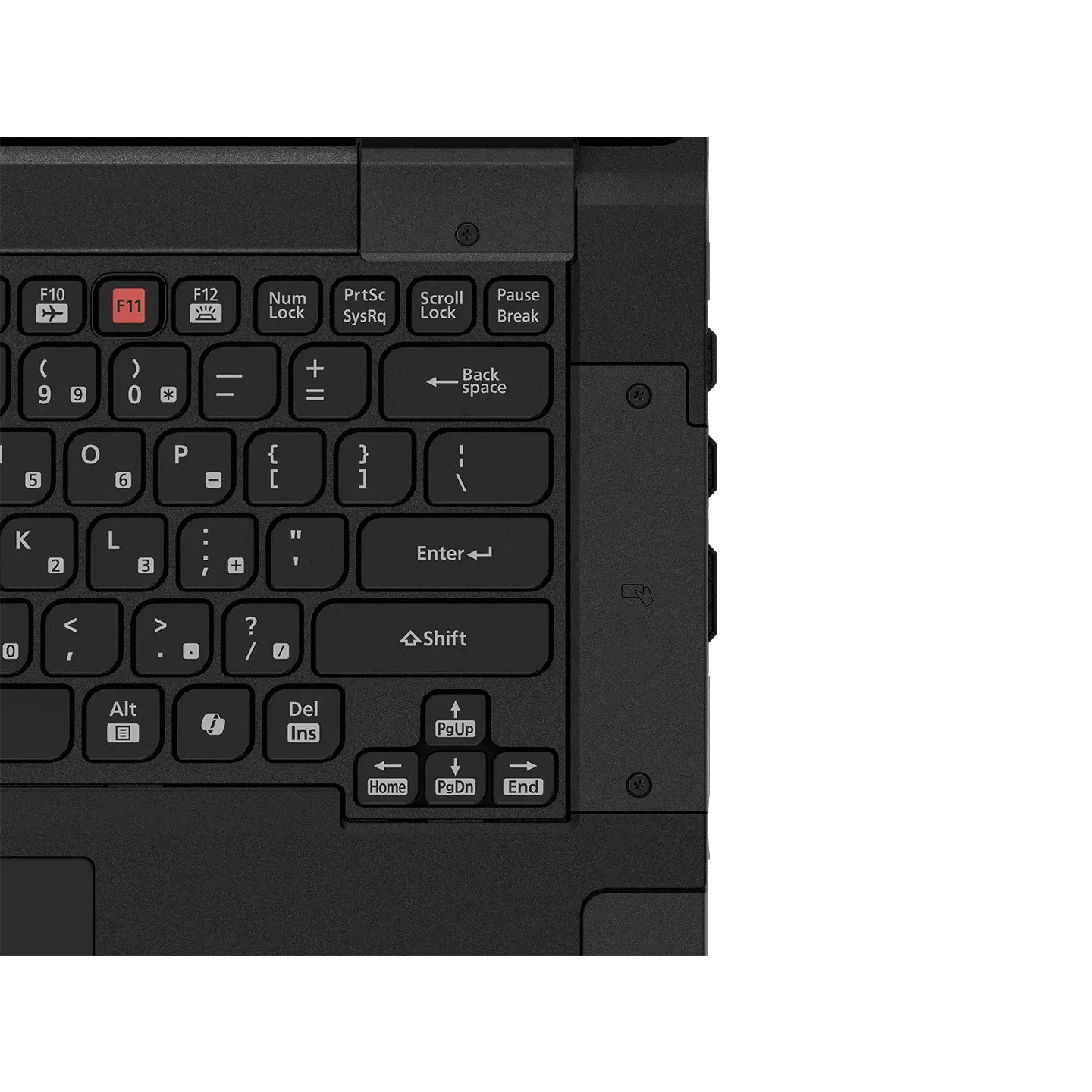
  • Integrated 14-inch non-touch display, backlit keyboard, and 5MP infrared webcam

The Panasonic TOUGHBOOK 56 16GB Non-Touch Rugged Laptop combines practical rugged computing with the following features for professional service work:

  • Rugged for Shop Conditions
    The TOUGHBOOK 56 has been tested for a 3-foot drop and against MIL-STD-810H methods. Its IP53 rating adds resistance to dust and light water spray, though it is not suitable for use in rain or snow.
  • Six User-Replaceable Areas
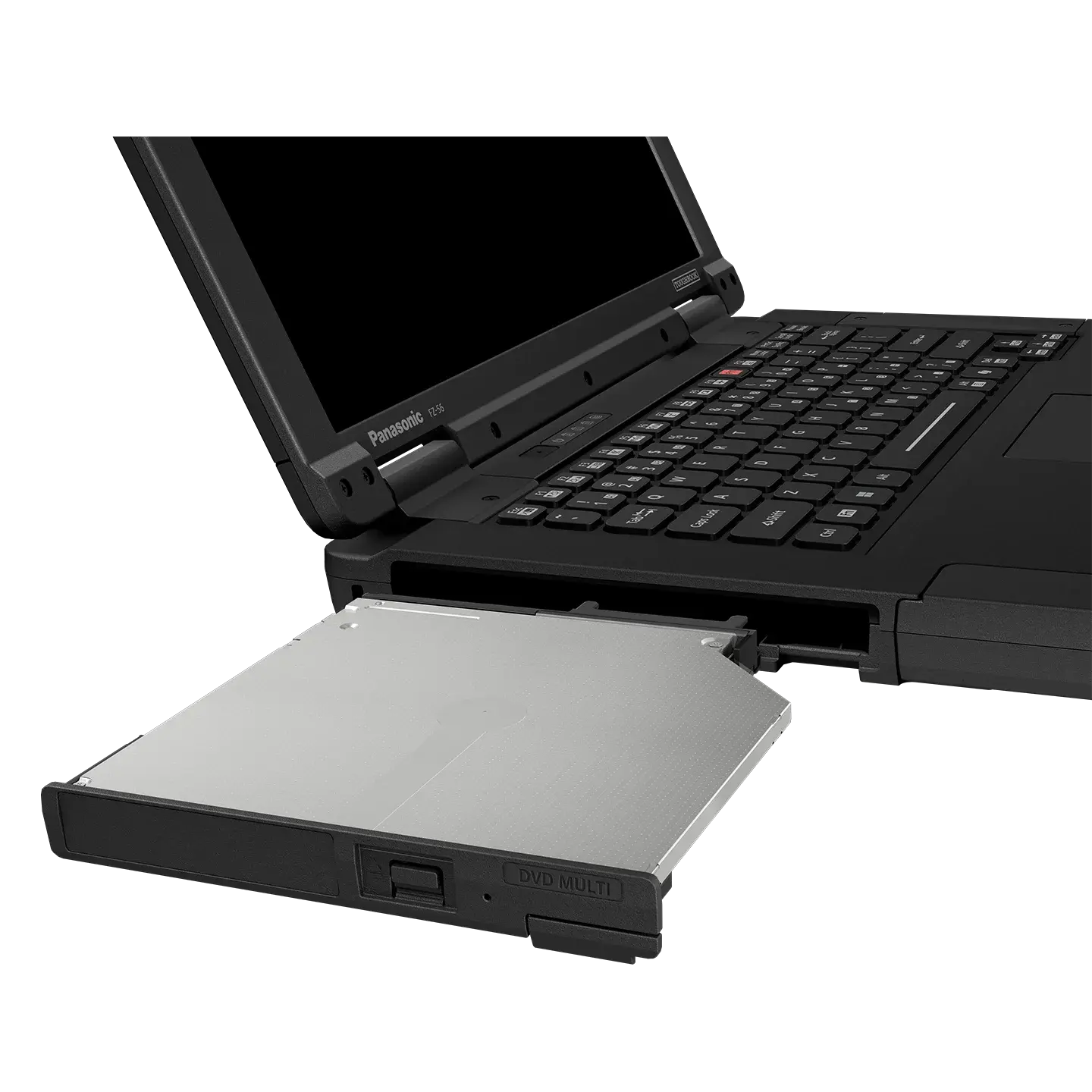
    Memory, storage, battery, and three xPAK areas can be serviced or adapted over time. Optional expansion packs add interfaces, storage, or other hardware without requiring a new computer.
  • More Room for Service Data
    The taller 16:10 WUXGA screen gives technicians additional vertical space for wiring information, repair documentation, and diagnostic results. This SKU has a 350-nit non-touch display.
  • Current Windows Performance
    Intel Core Ultra 5 vPro processing and Intel AI Boost support modern Windows workloads and compatible AI-enabled tasks.
  • Connection and Dock Flexibility
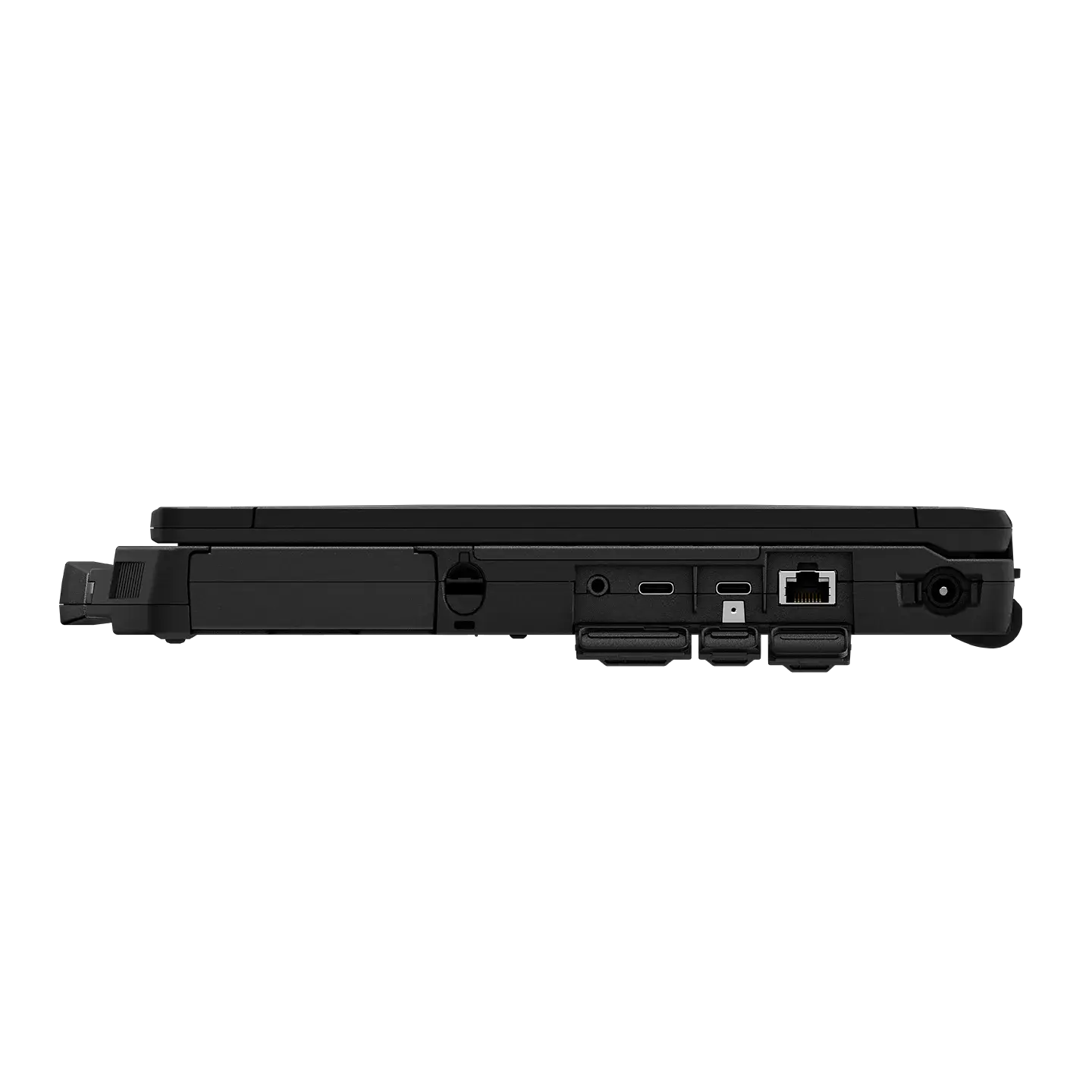
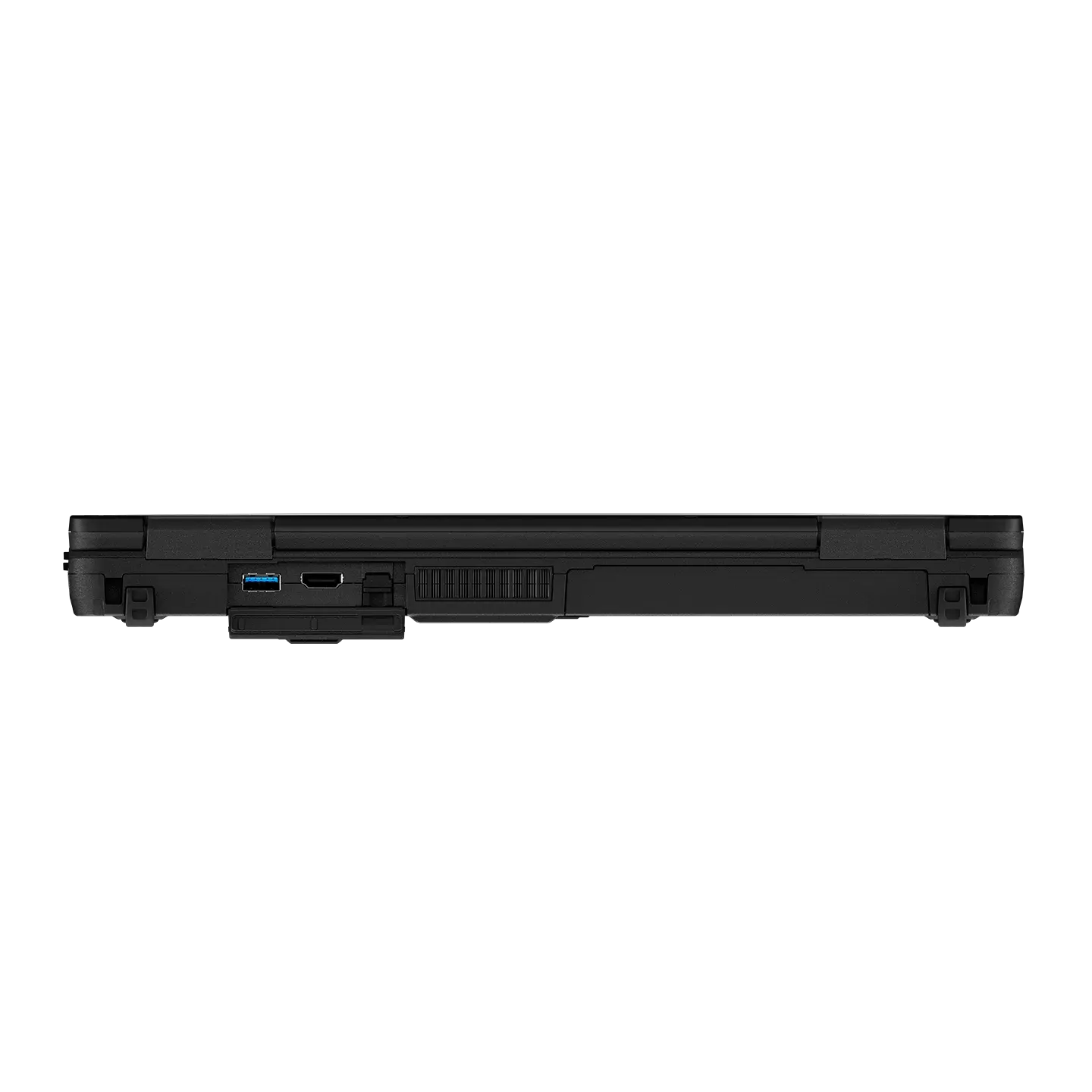
    Wi-Fi 7, two Thunderbolt 4 ports, USB, HDMI, and Ethernet accommodate compatible peripherals. Support for select older TOUGHBOOK vehicle docks helps protect existing installations.
  • Security and Manageability
    Standard OPAL-encrypted storage, Intel vPro capabilities, and an infrared webcam with Windows Hello support make the platform suitable for individually assigned or IT-managed computers.
  • Longer Shifts, Optional Upgrade
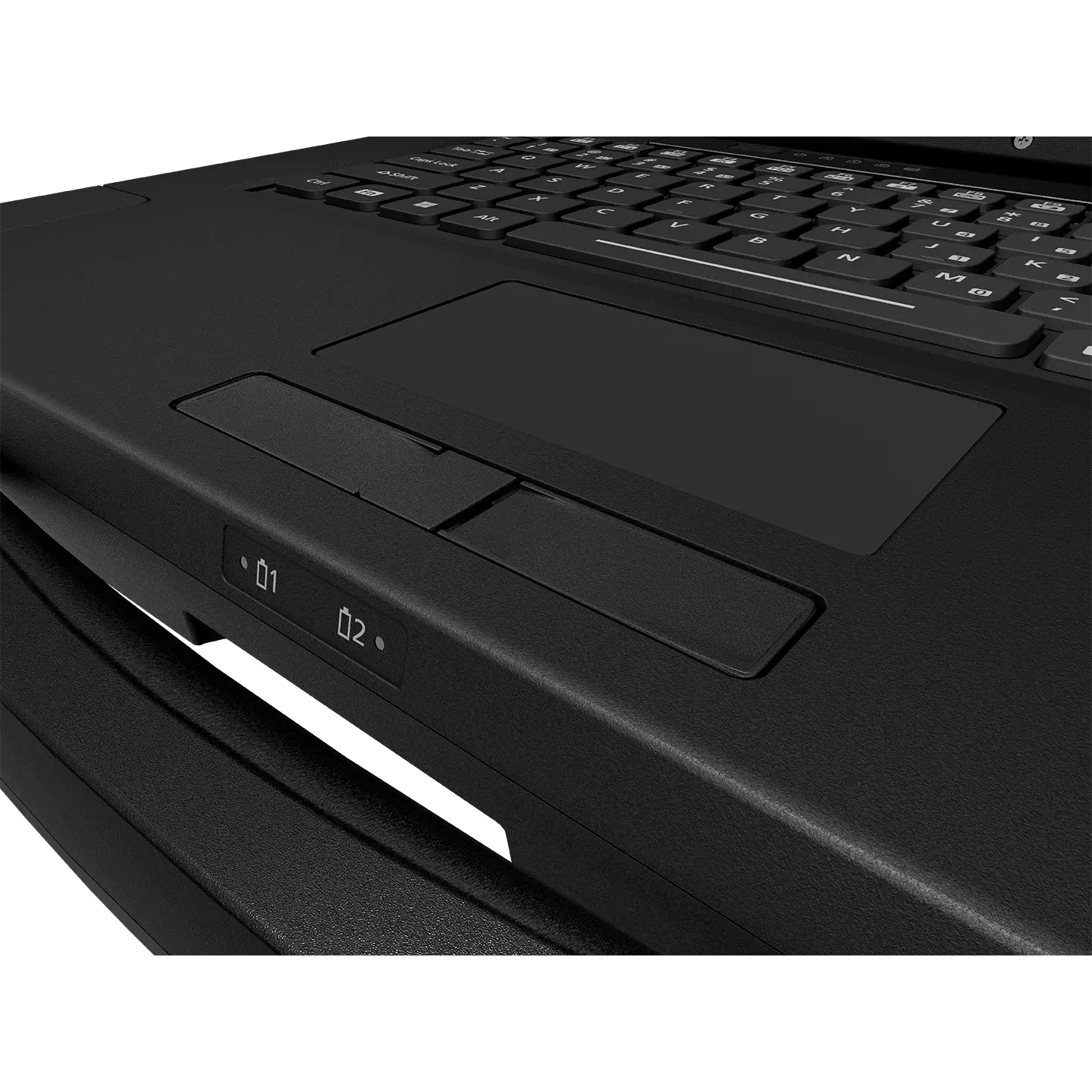
    A removable standard battery is included. A separately purchased second battery enables hot-swapping and increases Panasonic’s rated battery runtime.

Panasonic TOUGHBOOK 56 16GB Non-Touch Rugged Laptop technical specifications:

  • Model / SKU: FZ56AZ017BM
  • Processor: Intel Core Ultra 5 235H vPro, up to 5.0 GHz
  • Memory: 16GB RAM
  • Storage: 512GB OPAL-encrypted, user-removable SSD
  • Display: 14-inch WUXGA, 1920 × 1200, non-touch, 350 nits
  • Operating system: Windows 11 Pro
  • AI processor: Intel AI Boost, supporting compatible AI-enabled applications
  • Rugged testing: 3-ft drop, MIL-STD-810H, IP53
  • Wireless: Wi-Fi 7 and Bluetooth
  • Webcam: 5MP infrared camera with microphone
  • Security: TPM 2.0 and OPAL-encrypted SSD
  • Management: Intel AMT
  • Keyboard: Emissive backlit keyboard
  • Battery: One standard removable battery; a second battery is optional
  • Manufacturer battery rating: Up to 12 hours with one battery, or up to 24 hours with an optional second battery (MobileMark 30); actual runtime varies
  • Wired connectivity: Two Thunderbolt 4 USB-C ports, USB-A, HDMI, Ethernet, audio, and docking connector; additional ports are available through optional xPAKs
  • Expansion: Six user-replaceable modular areas, including RAM, SSD, battery, and three xPAK areas
  • Weight: 4.66 lb. starting weight for non-touch model; varies with configuration

The Panasonic TOUGHBOOK 56 16GB Non-Touch Rugged Laptop includes a three-year Panasonic manufacturer warranty.

The Panasonic TOUGHBOOK 56 16GB Non-Touch Rugged Laptop is intended for Windows-based service workflows where ruggedness and adaptability matter. Common uses include:

  • Repair shops: Use compatible Windows-based diagnostic software, service information, and repair documentation from one dedicated laptop.
  • Fleet maintenance: Set up durable workstations for technicians moving between service bays and vehicles.
  • Commercial vehicle and equipment service: Access supported diagnostic applications and technical references where a standard office computer may be less practical.
  • Keyboard-based workflows: Choose the non-touch model when a bright touchscreen or stylus is not essential to the work.
  • Which TOUGHBOOK 56 parts can be replaced by the user? Panasonic designed six user-replaceable areas: memory, SSD, battery, and three expansion areas for compatible accessories. This makes it easier to maintain or adapt the laptop as work requirements change.
  • Can I add Panasonic expansion packs after buying the laptop? Yes. Compatible xPAKs can be purchased separately at any time and installed in the supported expansion areas. Options include additional connections, storage, and other hardware.
  • Is the TOUGHBOOK 56 SSD removable? Yes. The primary SSD has a quick-release lever, allowing it to be removed without replacing the laptop. An optional locking screw is available if you need to secure it in place.
  • Do I need special training to change an xPAK? No special training is required according to Panasonic. Most xPAKs use a few screws, while some can be changed with a tool-free slide lever.
  • What can the Thunderbolt 4 USB-C ports be used for? They support high-speed data transfers up to 40 Gbps, compatible external monitors and peripherals, phone charging, and laptop charging through USB-C Power Delivery.
  • Can I reuse an AC adapter from an older TOUGHBOOK? Panasonic confirms AC adapter compatibility with the TOUGHBOOK 55, 40, 33, and 31. Confirm the adapter and your existing setup before reusing it.

These Would Look Great in Your Toolbox

Nothing Found

AUTHORIZED DEALER

Triad-Authorized-Dealer-for-Jaltest
Triad-Authorized-Dealer-for-Autel 2
brands_0001_Panasonic
Ford-Rotunda-Logo-Triad-Authorize-Dealer
Getac-Logo
Triad-Authorized-Dealer-for-PPT