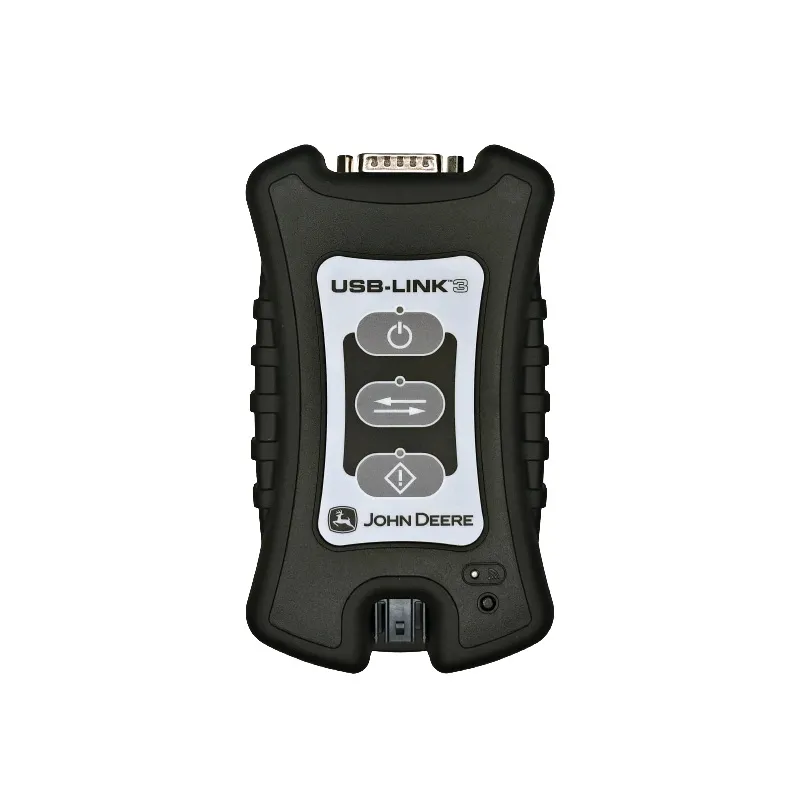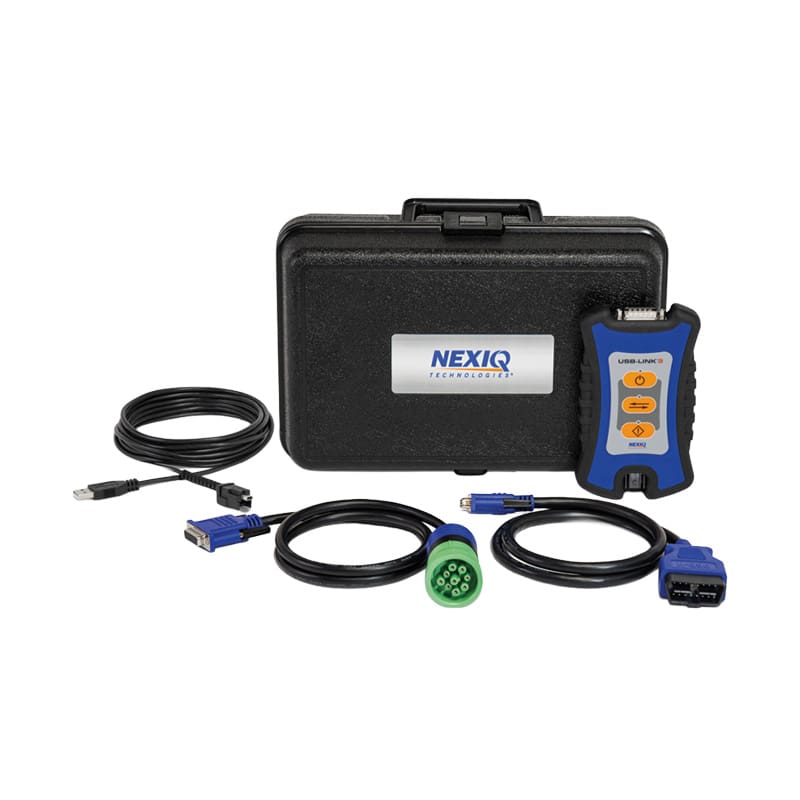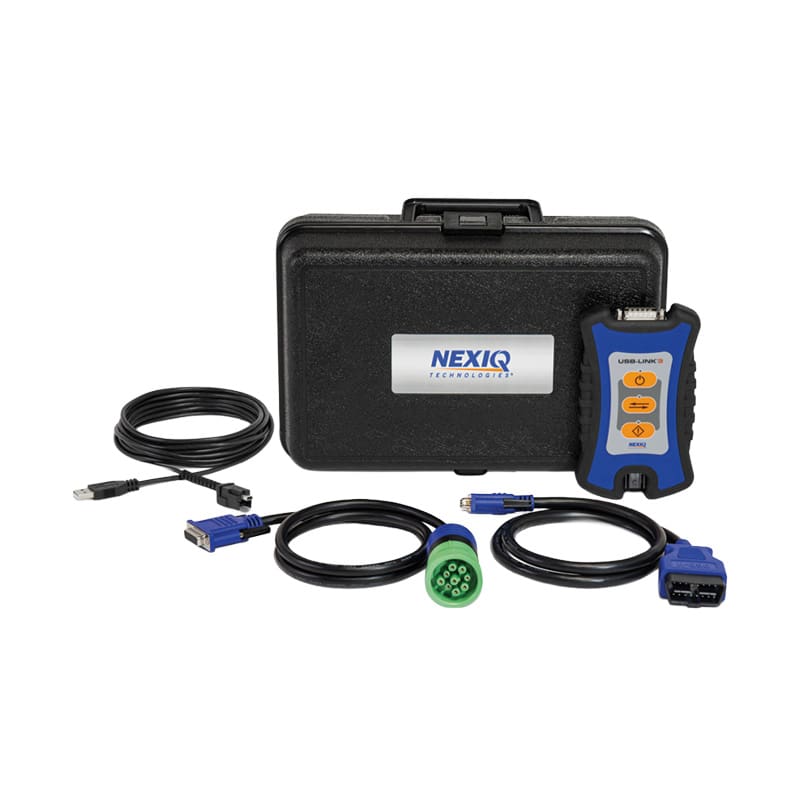
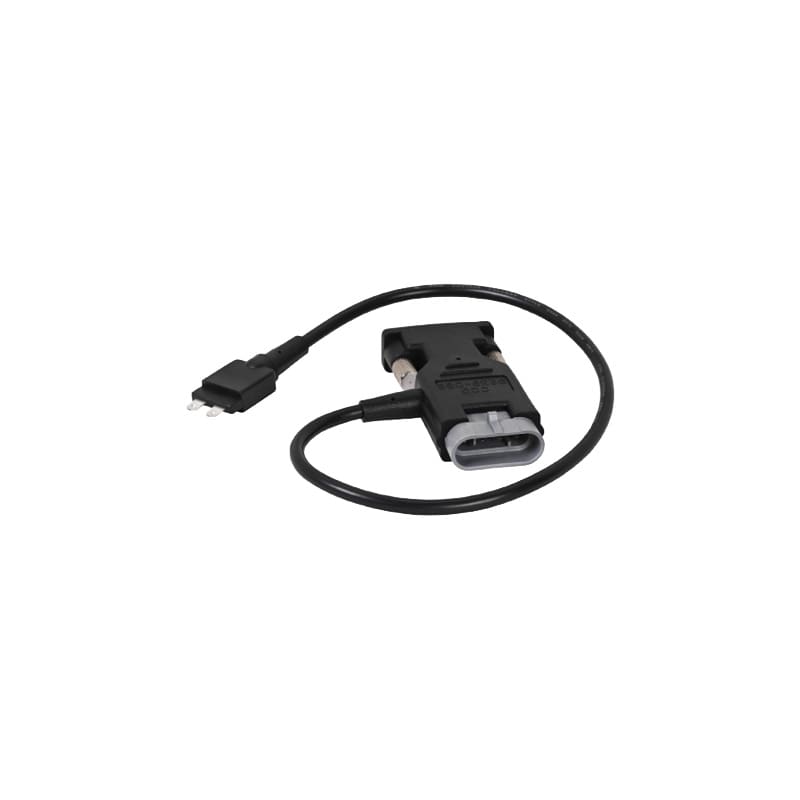
Interface Cable W5 Ag

SKU: NQ9239-082

$68.00

Nexiq Interface Cable W5 Ag supports John Deere agriculture diagnostic connection workflows.

Nexiq Interface Cable W5 Ag is designed for supported John Deere agriculture equipment diagnostic workflows. It helps technicians connect compatible diagnostic equipment to the machine, supporting service checks and troubleshooting for tractors, harvesters, sprayers, and other supported farm equipment.

Nexiq Interface Cable W5 Ag

Nexiq Interface Cable W5 Ag supports John Deere agriculture service workflows.

  • Supports compatible John Deere agriculture diagnostic connections
  • Helps connect diagnostic equipment to supported farm machines
  • Useful for agriculture service teams and farm fleet maintenance
  • Helps reduce setup delays during machine diagnostics
  • Practical as a replacement or spare agriculture interface cable
  • Supports John Deere-focused diagnostic cable kits
  • Cable type: John Deere W5 Ag interface cable
  • Application category: agriculture equipment

Manufacturer warranty applies.

Nexiq Interface Cable W5 Ag is built for teams servicing compatible John Deere agriculture equipment.

Who Uses Nexiq Interface Cable W5 Ag?

  • Agricultural equipment service providers.
  • Farm fleet maintenance teams.
  • Technicians supporting tractors, harvesters, sprayers, or related equipment.
  • Shops building John Deere agriculture diagnostic kits.

How Nexiq Interface Cable W5 Ag Works

  • Connect the cable to the supported agriculture machine.
  • Connect the cable through the compatible diagnostic setup.
  • Use the required software to read data and troubleshoot machine issues.

“`html

Frequently Asked Questions About Nexiq Interface Cable W5 Ag

  1. What is Nexiq Interface Cable W5 Ag used for?
    Nexiq Interface Cable W5 Ag supports diagnostic connection workflows for compatible John Deere agriculture equipment.
  2. What equipment might use this cable?
    It may support tractors, harvesters, sprayers, or related equipment where this cable is required.
  3. Does this cable diagnose the machine by itself?
    No. It provides the connection path.
  4. Does it include diagnostic software?
    No. Compatible diagnostic hardware and software are required.
  5. How do I confirm compatibility?
    Match the equipment model, connector, diagnostic interface, and software requirements.

These Would Look Great in Your Toolbox
AUTHORIZED DEALER

Triad-Authorized-Dealer-for-Jaltest
Triad-Authorized-Dealer-for-Autel 2
brands_0001_Panasonic
Triad-Authorized-Dealer-for-Nitrous-Keys
Triad-Authorized-Dealer-for-PPT
Topdon-Logo-Triad-Authorized-Dealer
Ford-Rotunda-Logo-Triad-Authorize-Dealer
Getac-Logo