NEXIQ Diagnostic Interfaces, Software and Service Tools
NEXIQ develops vehicle communication interfaces, diagnostic software, mobile tools, cables, and adapters for commercial vehicle and equipment service. Its product line includes the NEXIQ USB-Link 3, Blue-Link 2, eTechnician, Pocket HD applications, and dedicated John Deere interface options.
NEXIQ is part of Snap-on’s diagnostic product portfolio. Its tools are used by fleet maintenance teams, truck repair shops, dealerships, school bus operations, and technicians servicing agricultural and off-highway equipment.
Triad helps buyers build the complete setup around the work they perform, including the correct interface, diagnostic software, cables, adapters, rugged computer, and support.
What Is NEXIQ and What Does the USB-Link Do?
NEXIQ provides the hardware and software used to connect supported trucks, buses, trailers, engines, transmissions, braking systems, and equipment to professional diagnostic applications.
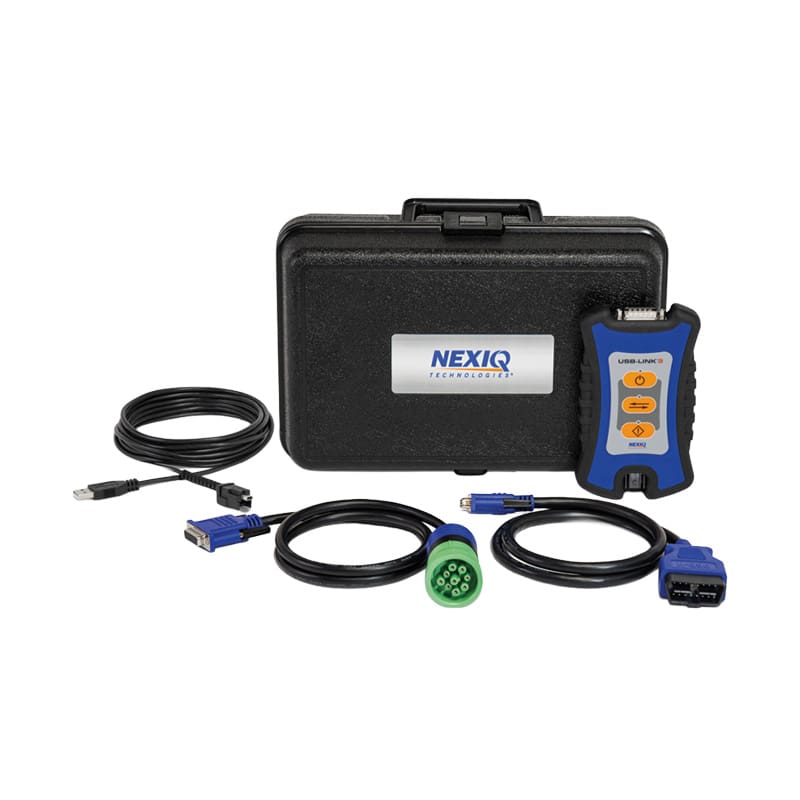
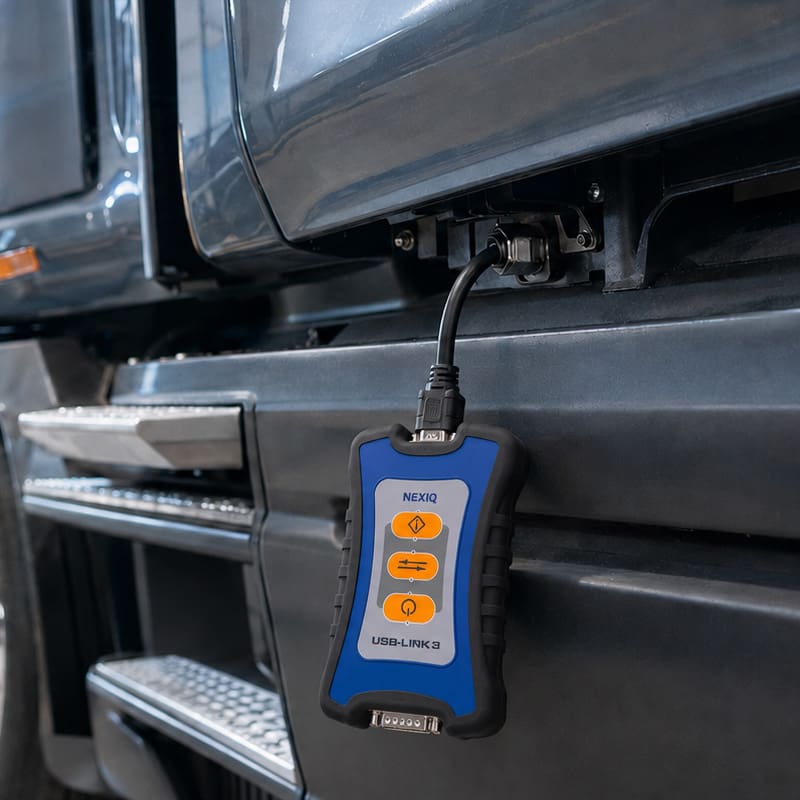
The NEXIQ USB-Link is a vehicle communication interface, commonly called a VCI. It provides a communication link between a vehicle network and diagnostic software running on a compatible computer, tablet, or mobile device.
The interface itself does not determine every available diagnostic function. Vehicle coverage, tests, programming capability, repair information, and configurable parameters depend on the software, vehicle, controller, adapter, and active license being used.
NEXIQ USB-Link as a Vehicle Communication Interface
A NEXIQ USB-Link reads vehicle network information and delivers it to compatible diagnostic software. The software then translates that information into fault codes, controller data, tests, service functions, and repair direction.
This modular design allows a shop to use one interface with multiple supported applications instead of buying a separate physical communication device for every software platform.
NEXIQ USB-Link 3 Wireless
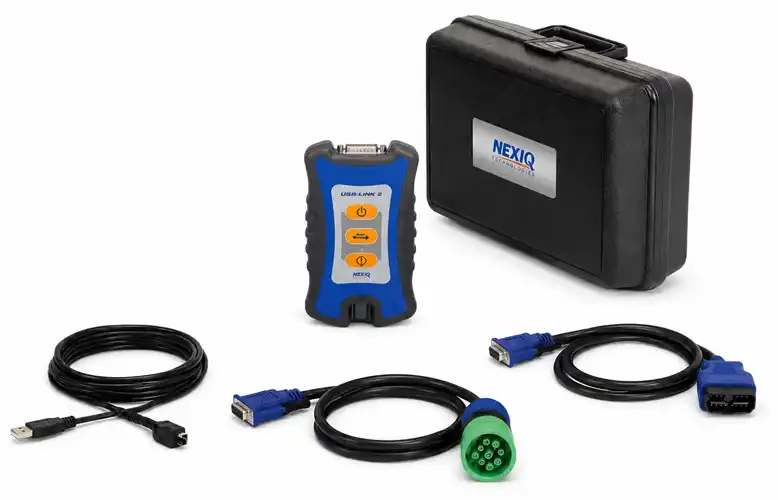
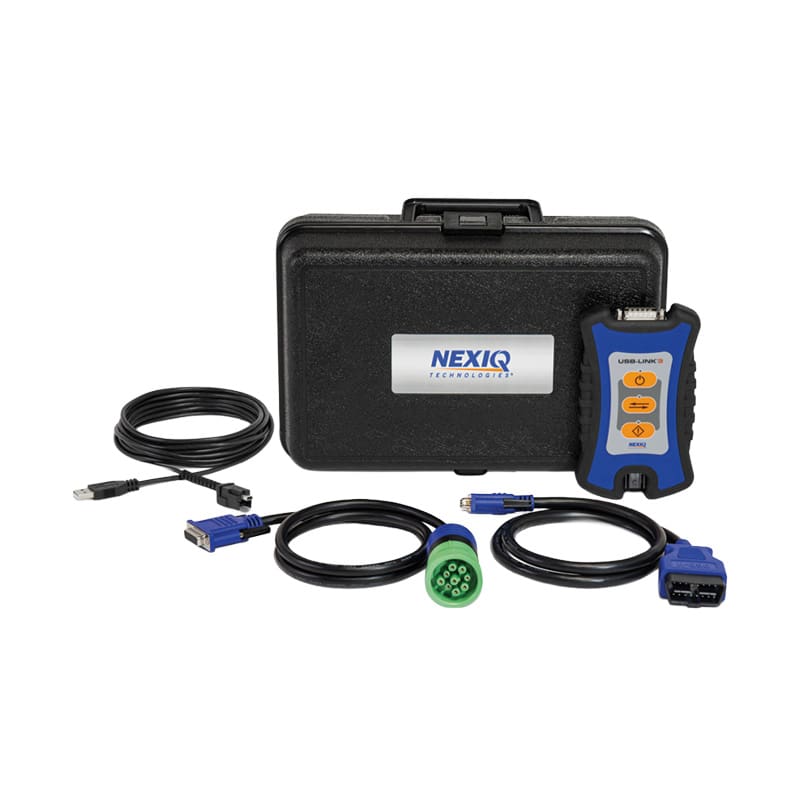
The NEXIQ USB-Link 3 Wireless connects to supported PCs, tablets, and smartphones through Bluetooth 5.0 or dual-band Wi-Fi. A USB cable is also included for technicians who need a direct connection.
The wireless model gives technicians more freedom to move around a truck or machine while reviewing live data, operating controls, checking components, or working from another point in the bay.
USB-Link 3 Wireless includes:
- NEXIQ USB-Link 3 Wireless interface
- 9-pin Deutsch adapter
- J1962 16-pin OBDII adapter
- Latching USB cable
Connectivity and protocol support includes:
- Bluetooth 5.0
- Dual-band 2.4 GHz and 5 GHz Wi-Fi
- USB 2.0
- CAN FD and J1939 FD
- ISO 15765 FD
- Single-wire CAN
- DoIP
- J1708
- J1850 VPW
- ISO 9141 and KWP2000
- ALDL
- RP1210
- J2534 and partial J2534-1 support
The Wireless model is a strong fit for mobile technicians, field service operations, mixed fleets, and busy shops where technicians need to move around the vehicle.
NEXIQ USB-Link 3 Wired
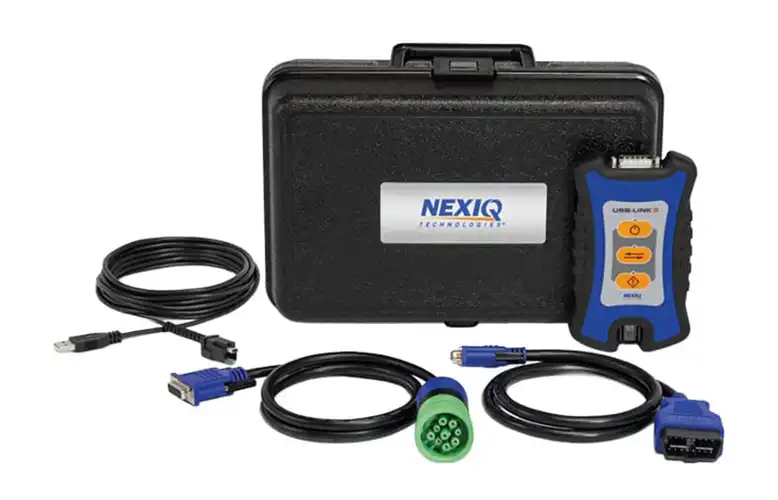
The NEXIQ USB-Link 3 Wired uses a direct USB connection between the interface and the diagnostic computer.
It is designed for technicians who prefer a hardwired setup or work from a dedicated diagnostic station. A direct connection can also help in environments where wireless use is restricted, unreliable, or unnecessary.
USB-Link 3 Wired includes:
- NEXIQ USB-Link 3 Wired interface
- 9-pin Deutsch adapter
- J1962 16-pin OBDII adapter
- Latching USB cable
The Wired model supports CAN FD, J1939 FD, DoIP, J1708, J1850, ISO 9141, KWP2000, ALDL, and additional compatible vehicle network protocols.
Wired USB-Link 3 vs. Wireless USB-Link 3
Choose NEXIQ USB-Link 3 Wireless when:
- Technicians need to move around the truck or equipment
- The tool will be used for field or mobile service
- Bluetooth or Wi-Fi connectivity improves the workflow
- The shop wants wireless access with USB available as a backup
Choose NEXIQ USB-Link 3 Wired when:
- The interface will stay with a fixed workstation
- A direct USB connection is preferred
- Wireless connectivity adds little value to the workflow
- The shop wants a simpler dedicated-bay setup
Both versions require compatible diagnostic software and the correct vehicle cable or adapter.
NEXIQ USB-Link 3 OEM Approvals
USB-Link 3 is approved by several major vehicle, engine, transmission, braking, agriculture, and equipment manufacturers.
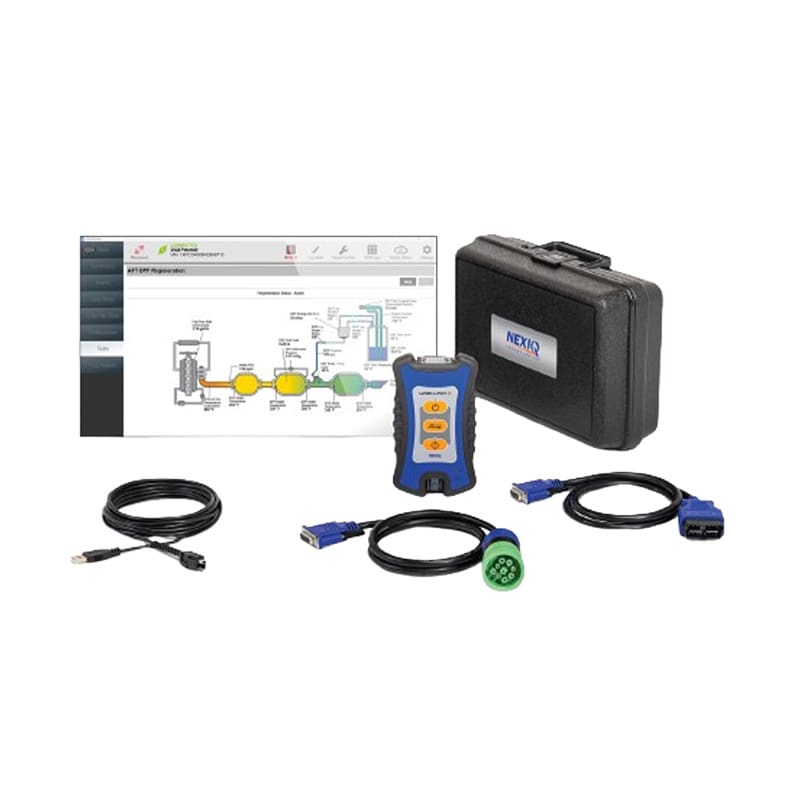
NEXIQ lists OEM approvals that include:
- Daimler Truck North America
- International Motors
- PACCAR
- Allison Transmission
- Cummins
- Eaton
- WABCO/ZF
- JCB Excavators
- John Deere
- Kubota Engine
- Manitou
An OEM approval confirms that the interface meets requirements for supported applications. It does not mean every software function is available on every vehicle. Buyers still need to verify the software license, model coverage, adapter, and required authorization.
NEXIQ Blue-Link 2:
Mobile Diagnostics for Drivers and Service Writers
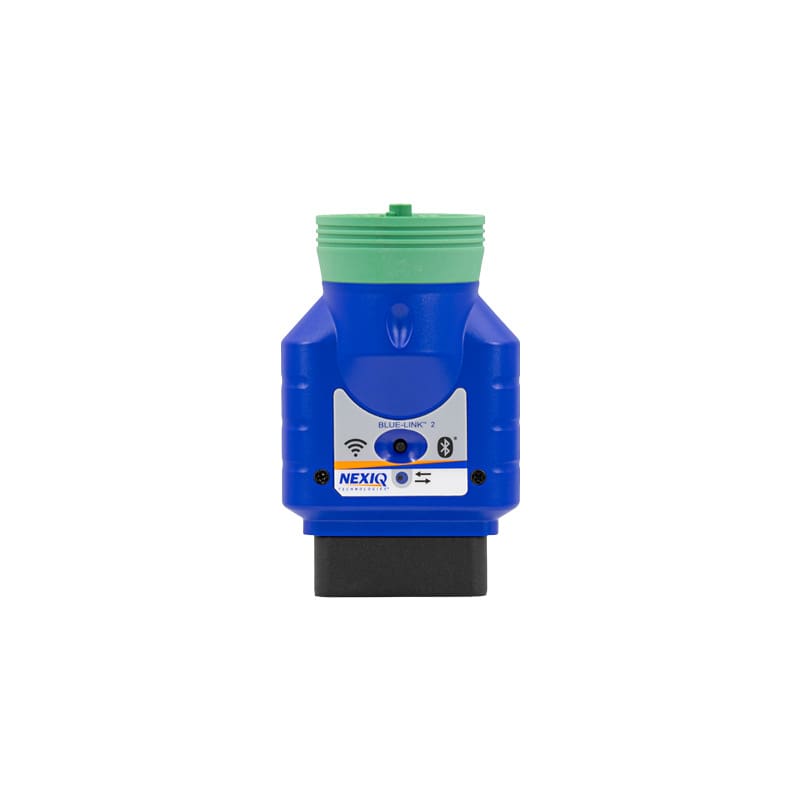
NEXIQ Blue-Link 2 is a compact mobile vehicle interface designed for quick access to basic heavy-duty vehicle diagnostic information.
It connects to supported iOS and Android devices through Bluetooth or Wi-Fi and works with the NEXIQ First-Link application. Integrated 9-pin Deutsch and 16-pin connections make it practical for fast checks without setting up a complete PC-based diagnostic station.
Quick Heavy-Duty Vehicle Triage
Blue-Link 2 is built for front-end diagnostic work such as:
- Checking vehicles during service intake
- Reviewing basic vehicle health information
- Helping drivers understand warning conditions
- Gathering initial fault information before assigning a bay
- Supporting roadside or mobile service decisions
- Exporting supported vehicle health reports
This can help a service writer determine whether the vehicle needs immediate attention, deeper diagnostics, or a specific technician before the truck occupies a bay.
Blue-Link 2 Protocol and Mobile Support
NEXIQ Blue-Link 2 supports:
- CAN FD and J1939 FD
- ISO 15765 FD
- Single-wire CAN
- DoIP
- J1708
- ISO 9141 and KWP2000
- Bluetooth 5.0
- Dual-band Wi-Fi
- Supported iOS and Android devices
- RP1227-compliant applications
It also includes integrated 16-pin and 9-pin Deutsch connection points, reducing the amount of separate hardware required for basic mobile access.
What Blue-Link 2 Is and How It Differs from USB-Link 3
Blue-Link 2 is intended for quick mobile checks and diagnostic triage.
USB-Link 3 is designed for deeper PC-based diagnostic work with eTechnician, supported OEM applications, Pocket HD software, and other professional diagnostic programs.
Choose Blue-Link 2 when the goal is to get useful information quickly from a mobile device.
Choose USB-Link 3 when technicians need broader system access, bidirectional testing, repair information, OEM software, or a complete diagnostic workflow.
Blue-Link 2 carries a one-year manufacturer warranty.
Upgrading from NEXIQ USB-Link 2 to USB-Link 3
The NEXIQ USB-Link 2 became one of the most widely used commercial vehicle interfaces in truck repair and fleet maintenance. Many shops still have working USB-Link 2 hardware, NEXIQ USB-Link 2 cables, and software environments built around it.
NEXIQ no longer sells USB-Link 2 as its current interface. Driver resources remain available for supported legacy use, but USB-Link 3 is the better path for shops building a new diagnostic station or preparing for newer vehicle communication networks.
Why USB-Link 2 cannot communicate with CAN FD/DoIP-equipped vehicles
Newer commercial vehicles increasingly use communication protocols such as CAN FD and DoIP.
USB-Link 2 was developed before these protocols became common across commercial vehicle platforms. That limits its ability to communicate with certain newer controllers, vehicles, and diagnostic applications.
USB-Link 3 adds support for these current protocols while retaining access to many legacy networks.
NEXIQ USB-Link 2 May Still Work for Legacy Applications
A working NEXIQ USB-Link 2 may remain useful for vehicles and software applications that continue to support its communication protocols.
Existing users should review:
- Vehicle years and makes serviced
- Current OEM software requirements
- Driver and operating system support
- Cable condition
- Newer CAN FD or DoIP vehicle needs
- Planned computer upgrades
- Future diagnostic software requirements
A legacy tool may still earn its place in the shop. It should not be expected to cover networks it was never built to handle.
USB-Link 2 Driver Support
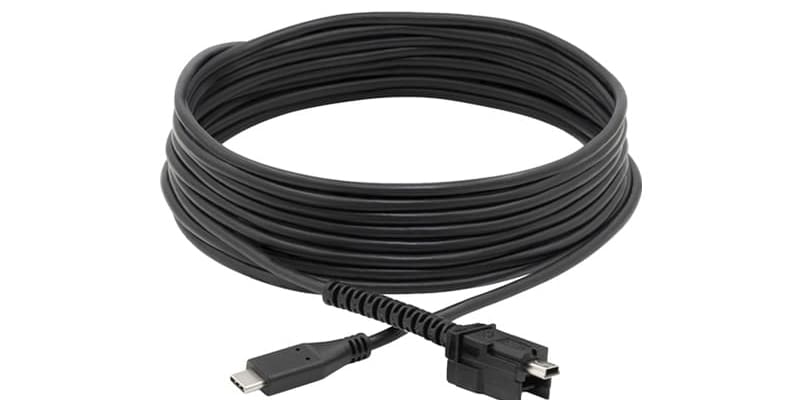
NEXIQ continues to make USB-Link 2 driver resources available for supported installations.
Driver availability does not make USB-Link 2 a current product or guarantee compatibility with newer Windows versions, software applications, vehicle networks, or OEM requirements.
Shops searching for a NEXIQ USB-Link 2 for sale should compare the cost of used legacy hardware against the longer service path and current protocol support of USB-Link 3.
NEXIQ eTechnician Software:
Coverage and RepairConnect Diagnostics
NEXIQ eTechnician is PC-based commercial vehicle diagnostic software for fleet maintenance teams, diesel repair shops, and service departments.
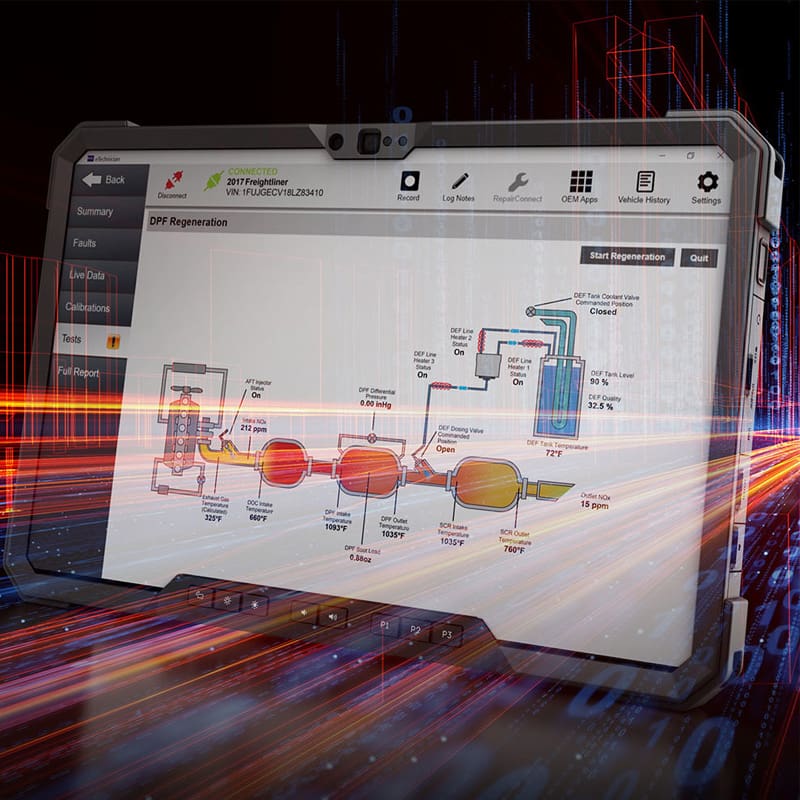
It provides supported diagnostic access across engines, transmissions, brakes, body systems, and chassis controllers. eTechnician also includes cloud-based vehicle history and Mitchell 1 RepairConnect fault-code information to help technicians move from a diagnostic trouble code to the next test or repair step.
NEXIQ Pocket HD Software for DPF, ABS and School Bus Service
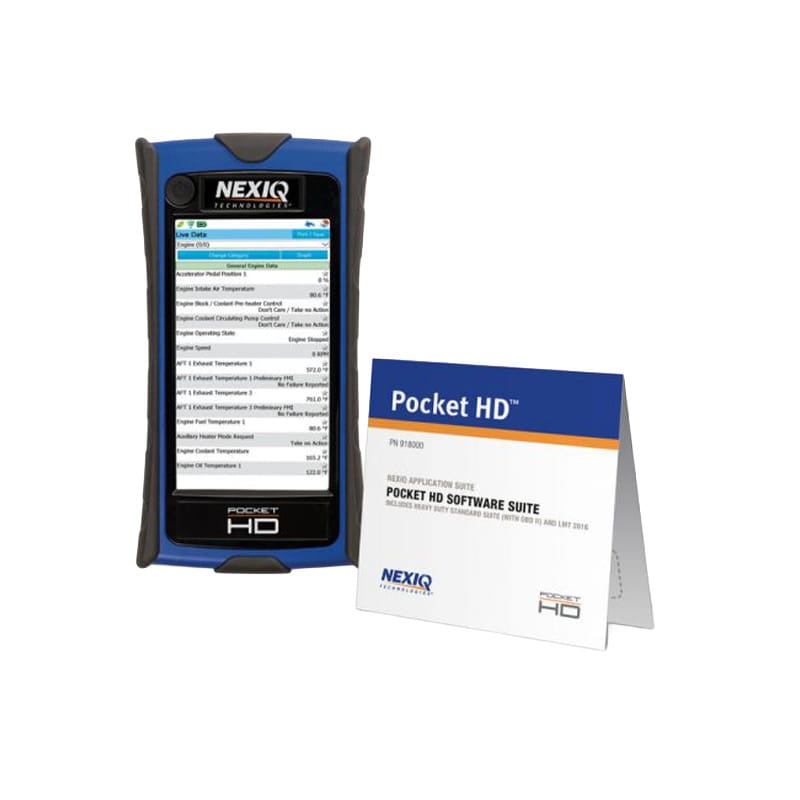
NEXIQ Pocket HD applications provide a focused software path for repeat service needs such as DPF regeneration, ABS diagnostics, and school bus maintenance.
These applications are designed for shops and fleets that need targeted functionality without forcing every service event through a larger diagnostic platform.
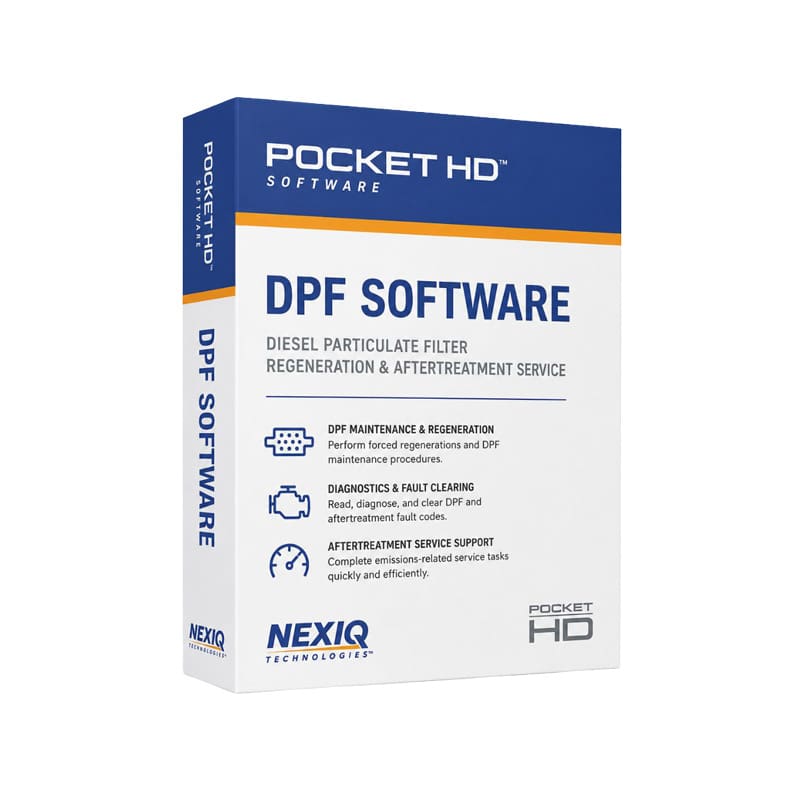
NEXIQ DPF Software
NEXIQ DPF Software supports diesel particulate filter regeneration and aftertreatment service workflows for compatible commercial vehicle, off-highway, agriculture, and marine diesel applications.
It is intended for service teams handling:
- DPF regeneration
- Aftertreatment maintenance
- Emissions-related service workflows
- Supported diesel equipment applications
- Repeat aftertreatment concerns
The software requires a compatible NEXIQ interface and the correct vehicle or equipment adapter.
NEXIQ Pocket HD ABS Software Suite
The NEXIQ Pocket HD ABS Software Suite supports brake and ABS diagnostic workflows for compatible commercial vehicles.
It is a practical fit for:
- Commercial truck repair shops
- Fleet maintenance departments
- School bus service teams
- Municipal fleets
- Technicians handling repeat brake and ABS concerns
The ABS suite must be paired with compatible Pocket HD hardware and the required 6-pin, 9-pin, or application-specific adapter.
NEXIQ Pocket HD School Bus Software Kit
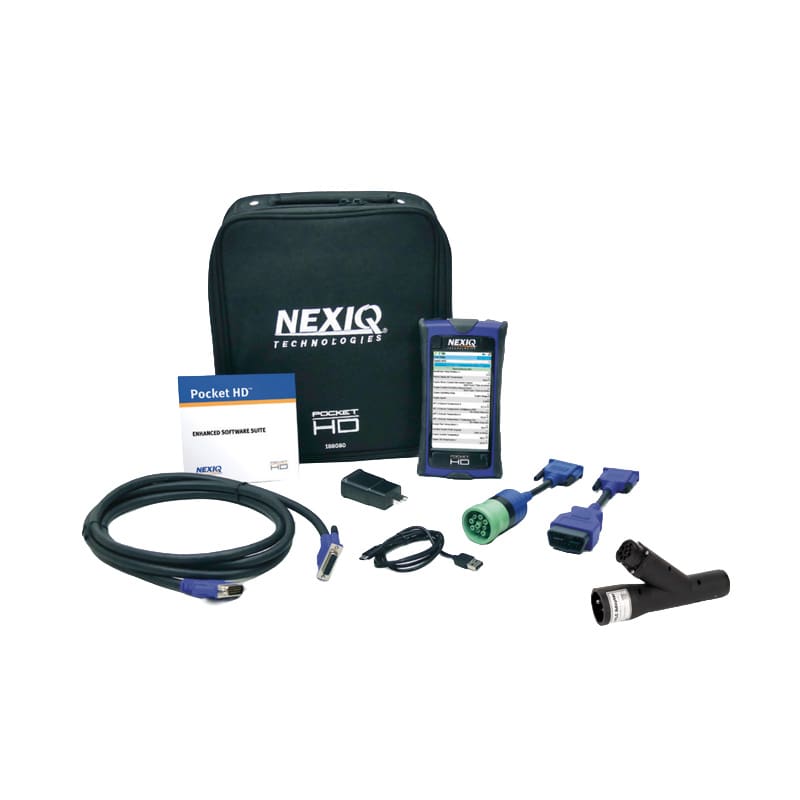
The Pocket HD School Bus Software Kit brings several common bus service workflows into one software package.
Listed software areas include:
- Allison
- Cummins
- Brake and ABS
- HDS
- LMT
- DPF regeneration
This gives school districts, municipal bus operations, and repair shops a more organized path for maintaining route-ready and inspection-ready vehicles.
NEXIQ for John Deere:
Machine Interfaces and Service Software Compatibility
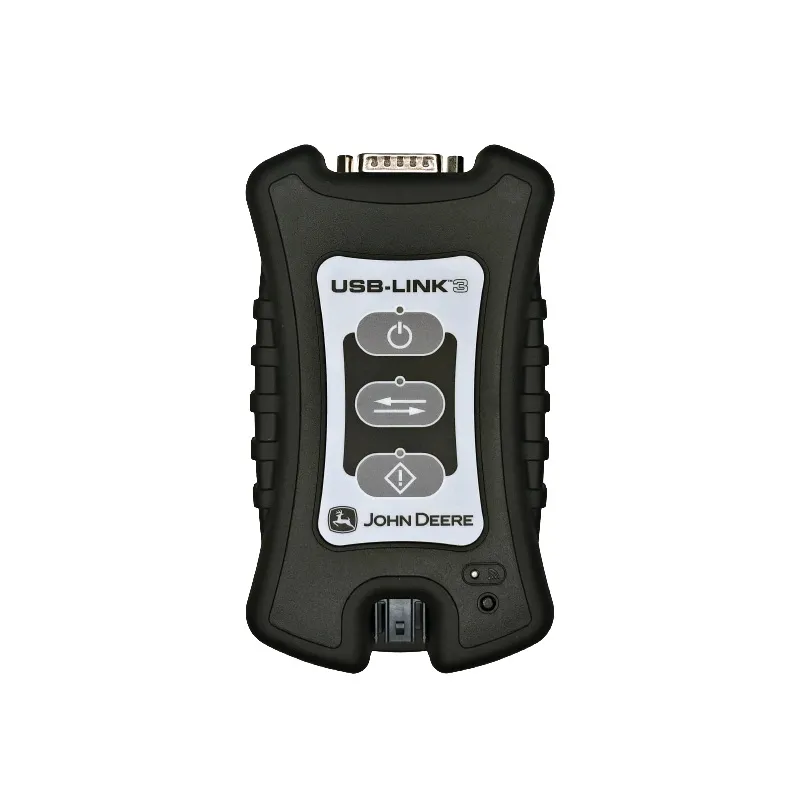
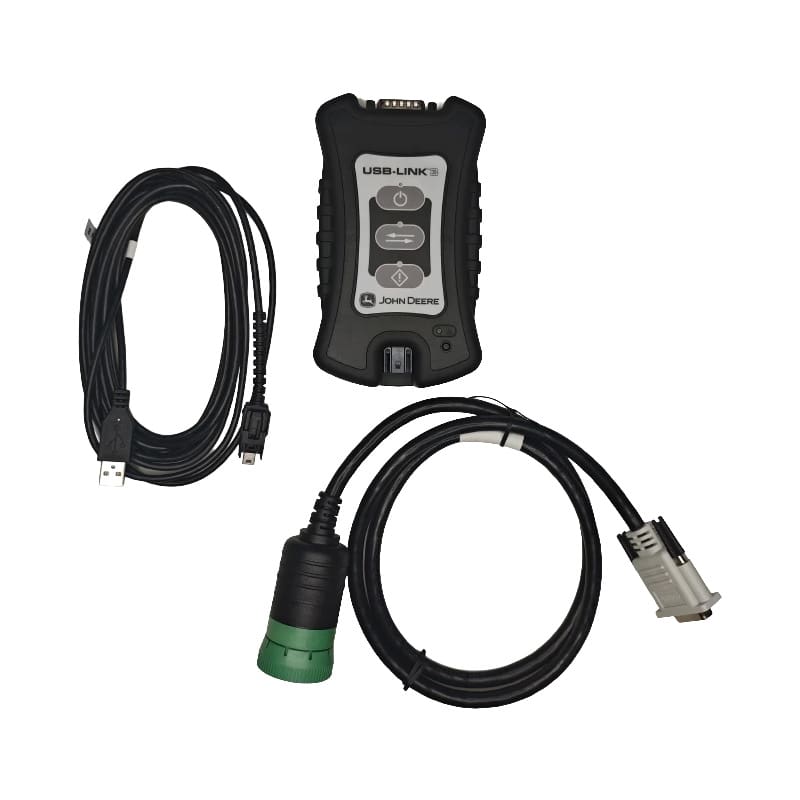
NEXIQ offers a dedicated interface path for supported John Deere agriculture, construction, and forestry equipment.
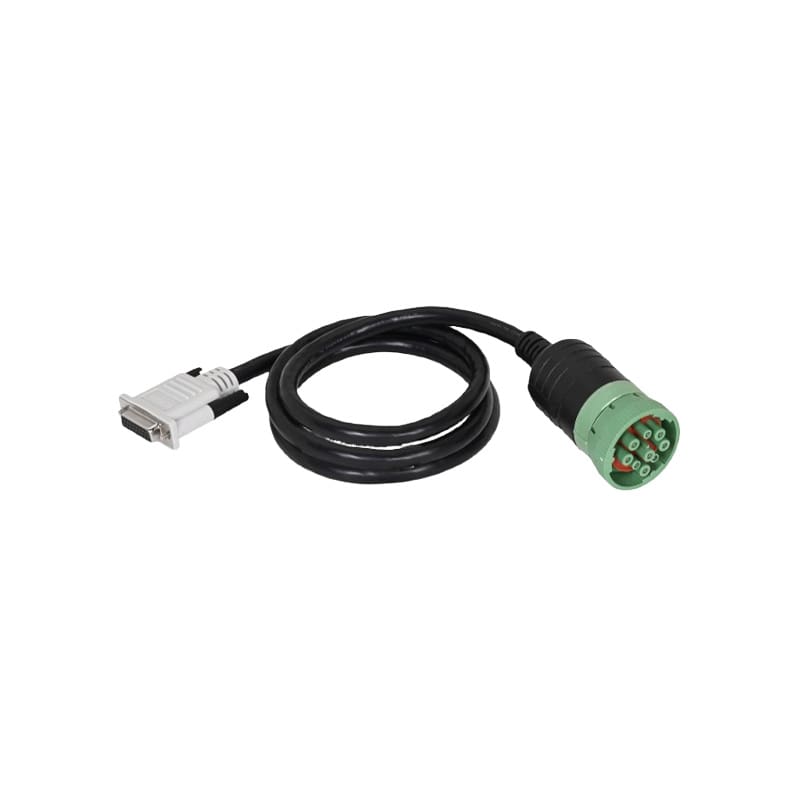
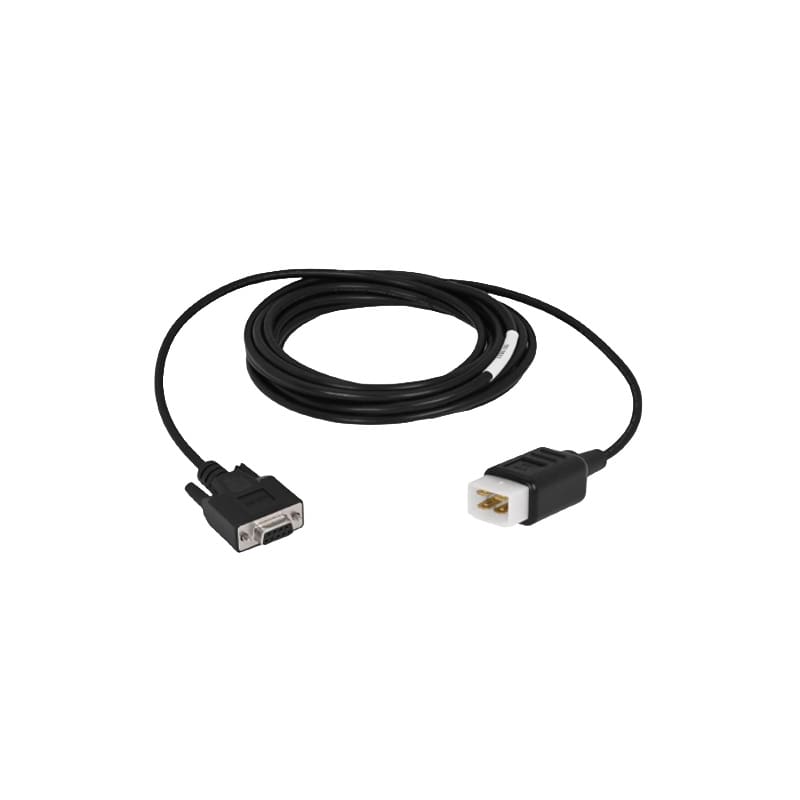
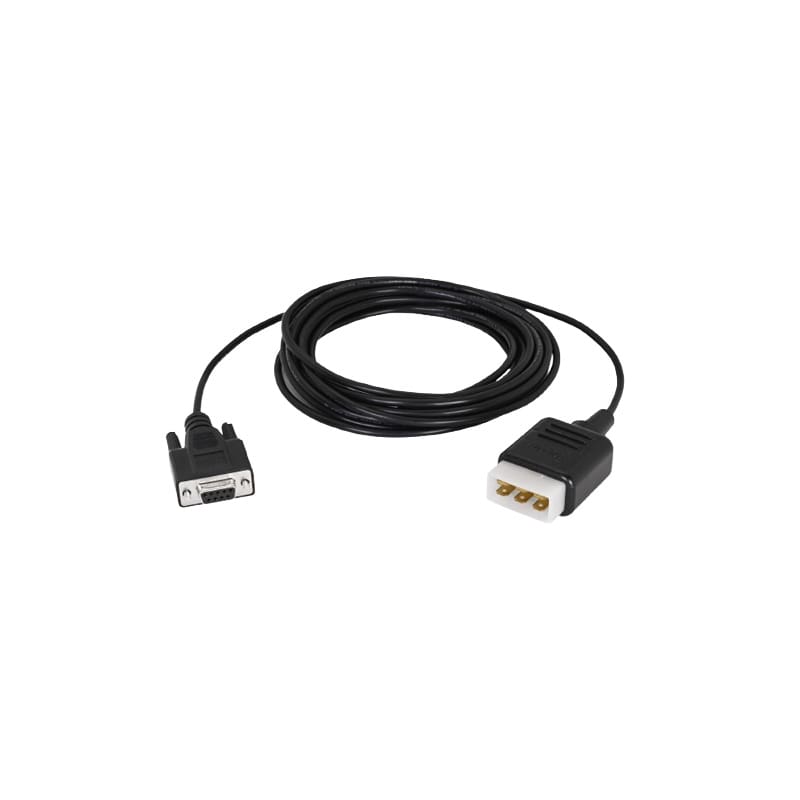
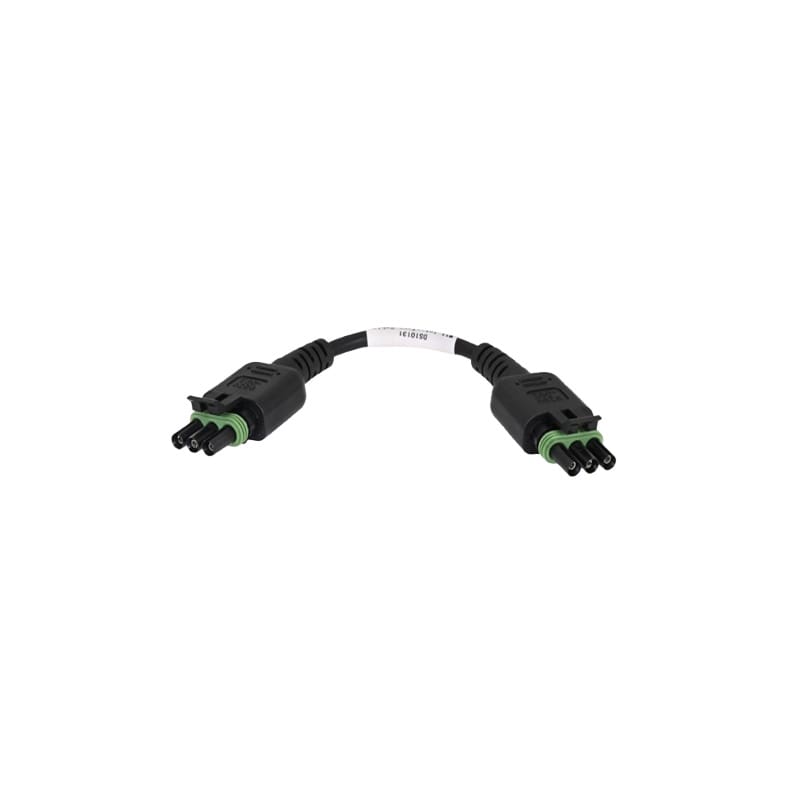
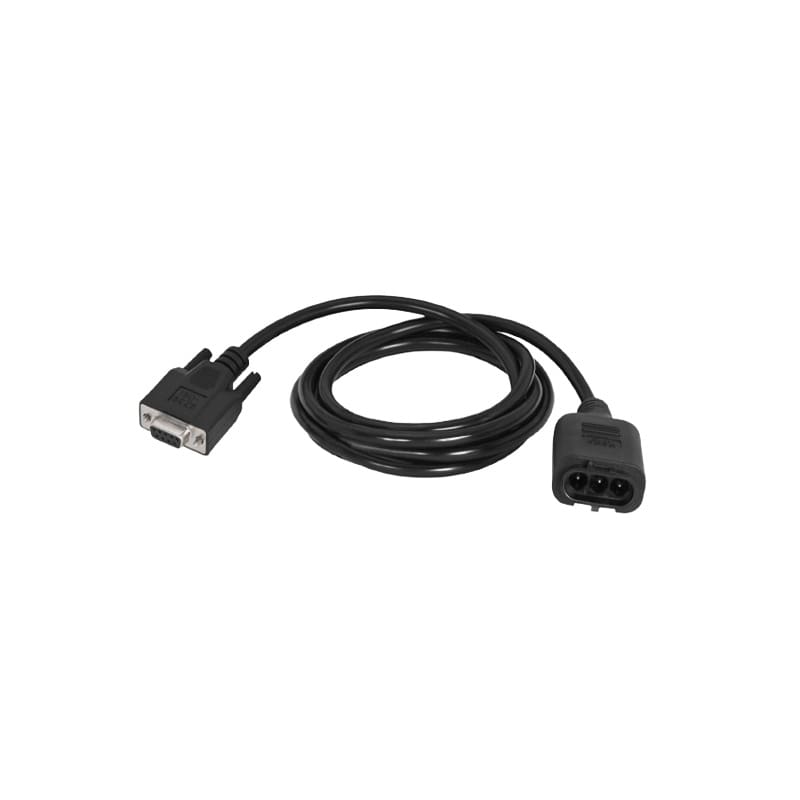
The John Deere USB-Link 3 Machine Interface connects qualifying equipment to compatible John Deere service software when paired with the correct machine-specific cable.
This product line is separate from the truck-focused eTechnician workflow. John Deere diagnostic access depends on supported John Deere software, licensing, equipment coverage, and the required interface cable.
John Deere Agriculture Applications
A configured NEXIQ John Deere interface can support diagnostic connection workflows for qualifying:
- Tractors
- Combines
- Harvesters
- Sprayers
- Balers
- Applicators
- Agricultural implements
- Additional farm equipment
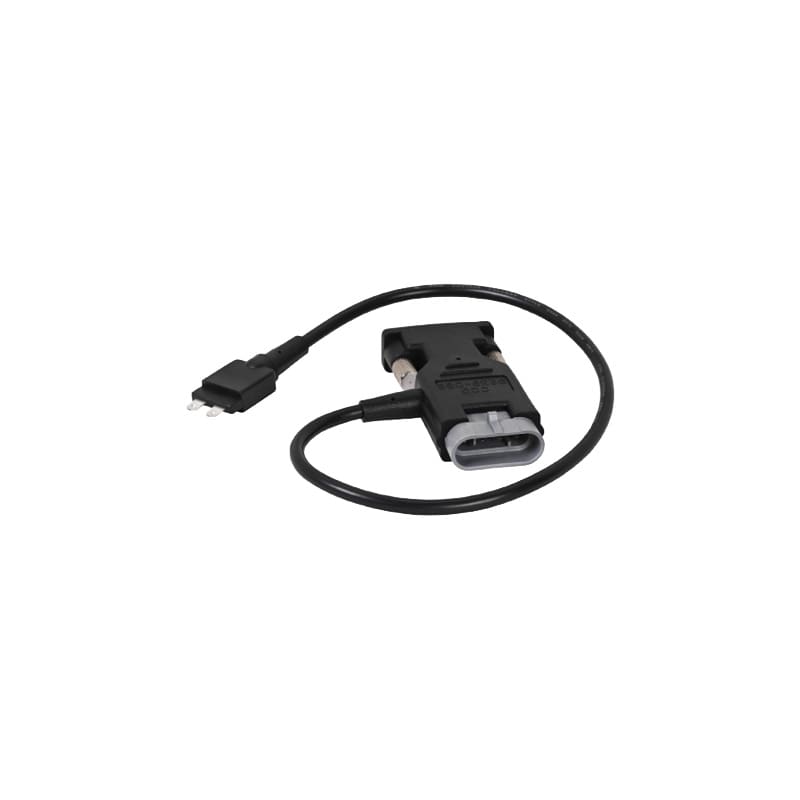
The interface alone does not include every John Deere cable. The correct cable must be selected based on the machine, model, connector, and software requirement.
John Deere Construction and Forestry Applications
John Deere construction and forestry service teams may use the interface with qualifying:
- Excavators
- Loaders
- Backhoes
- Graders
- Forestry machines
- Municipal equipment
- Job-site equipment
Construction and forestry applications may require a different cable path from agricultural equipment, even when the core interface is the same.
John Deere Cables and Supporting Adapters
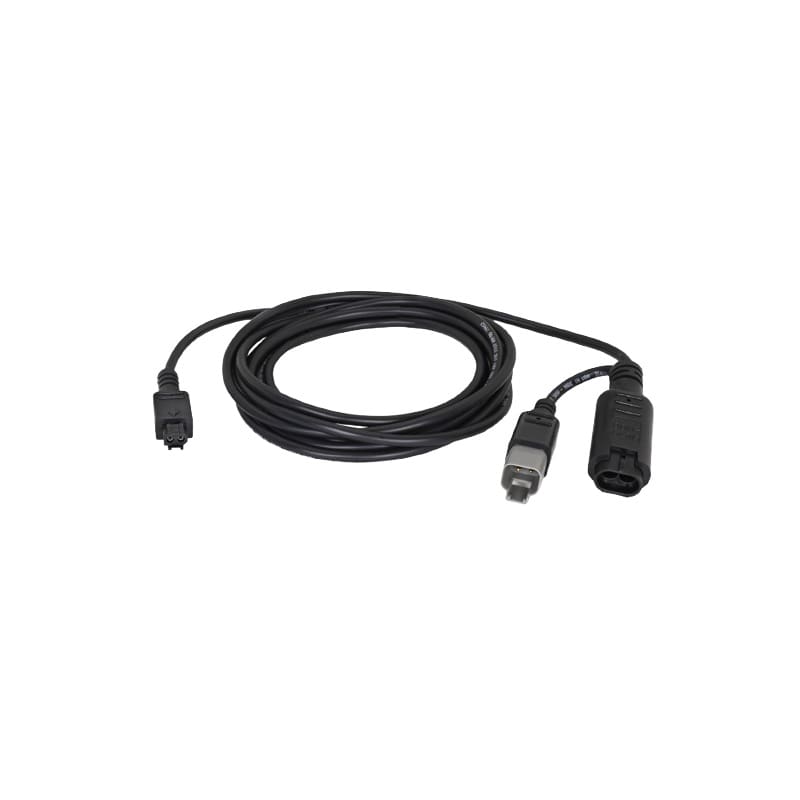
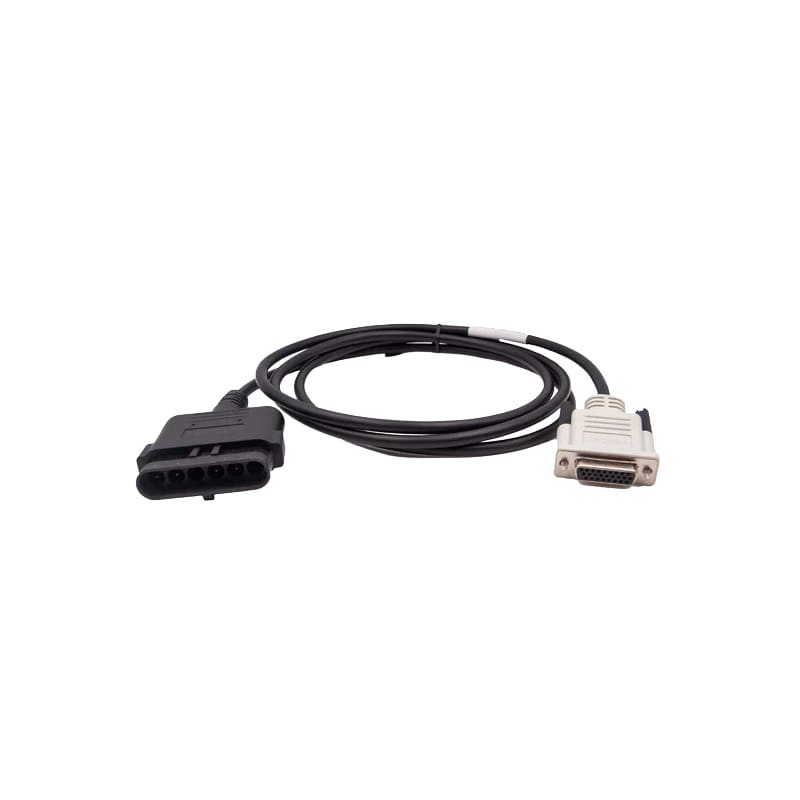
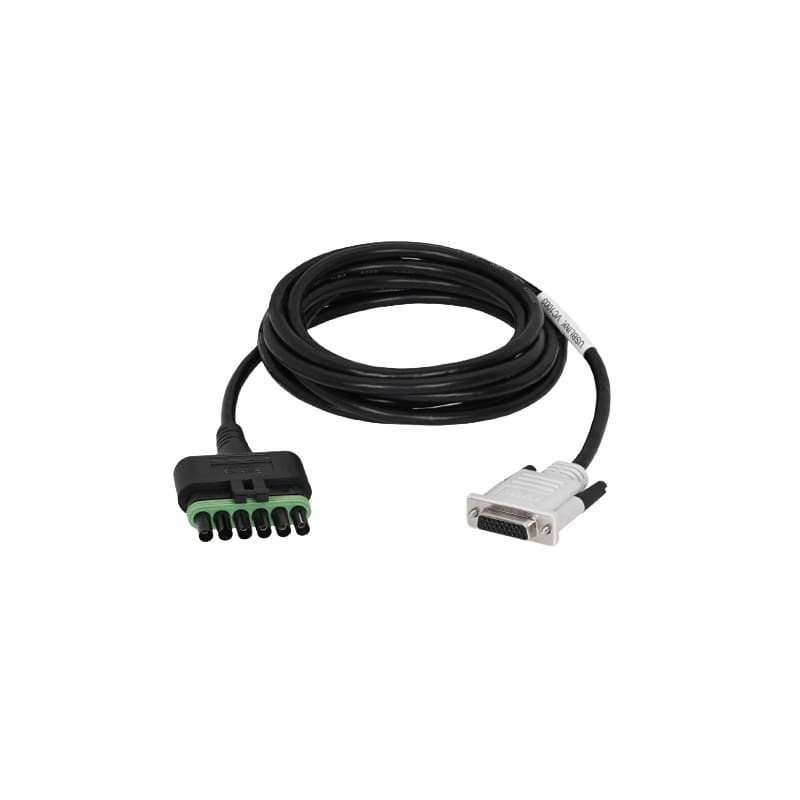
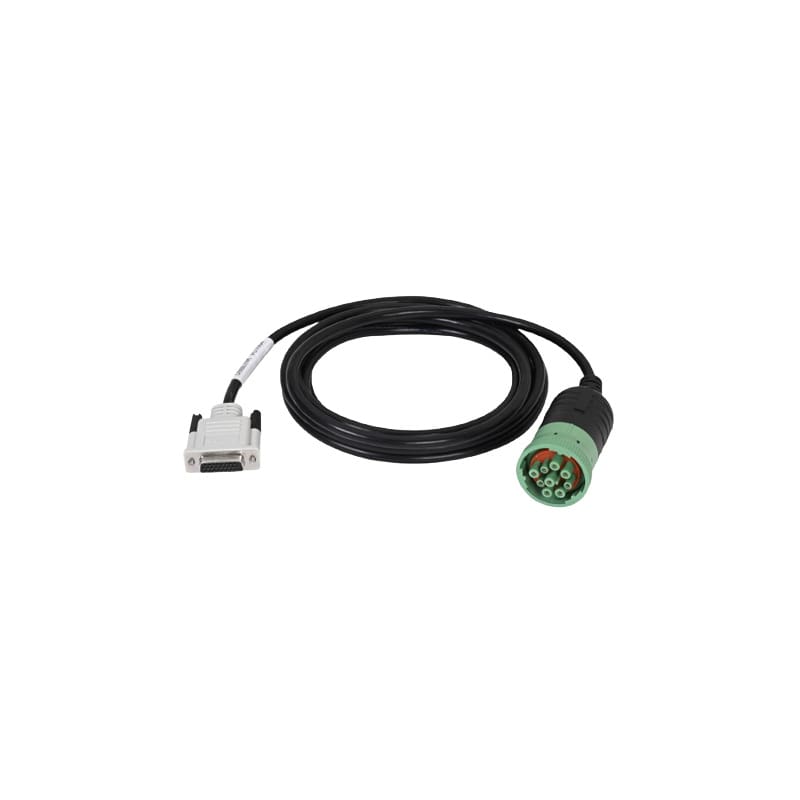
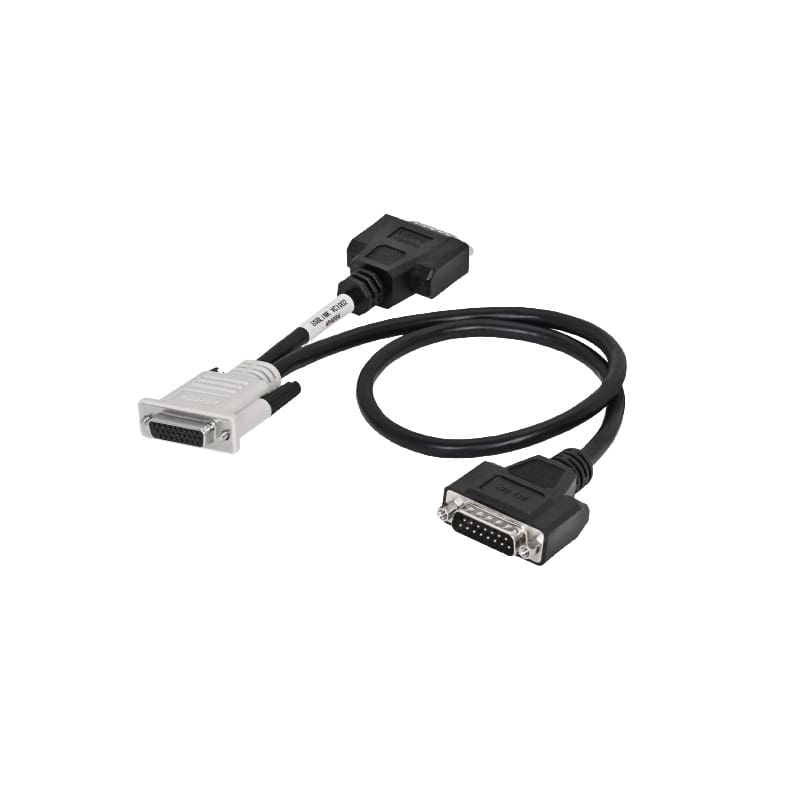
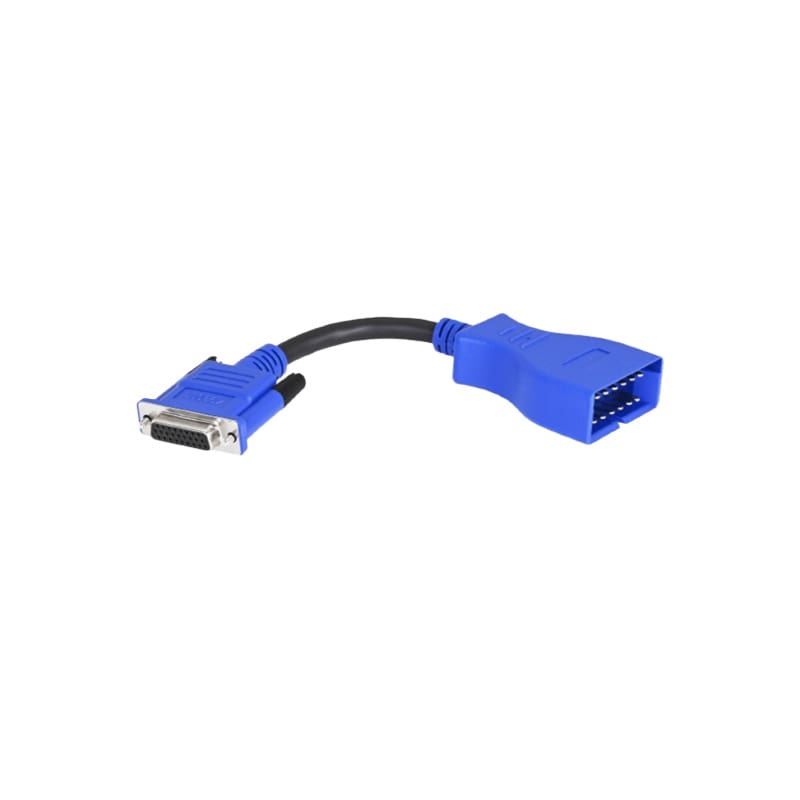
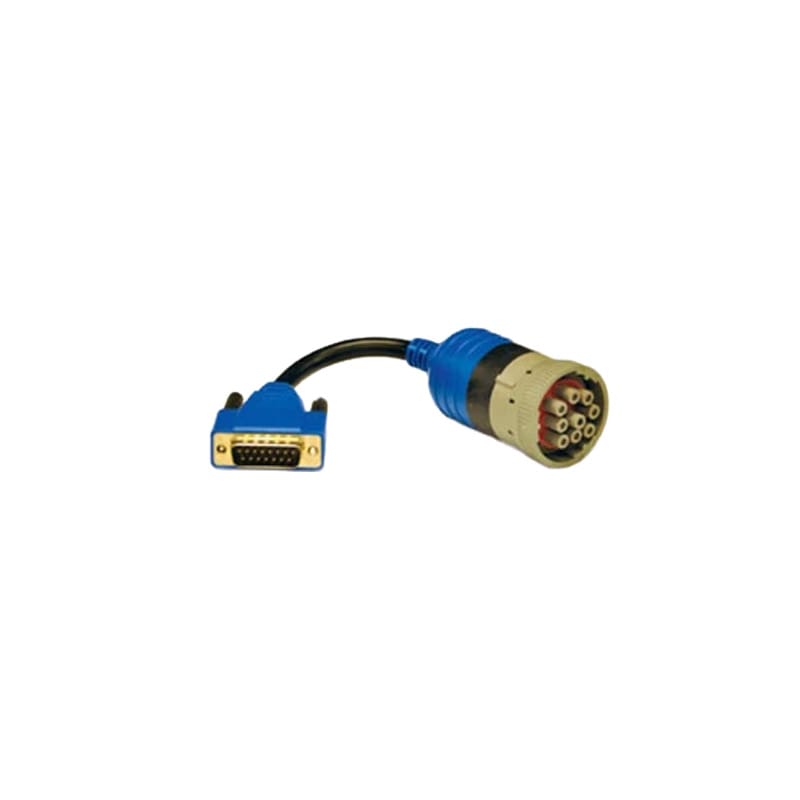
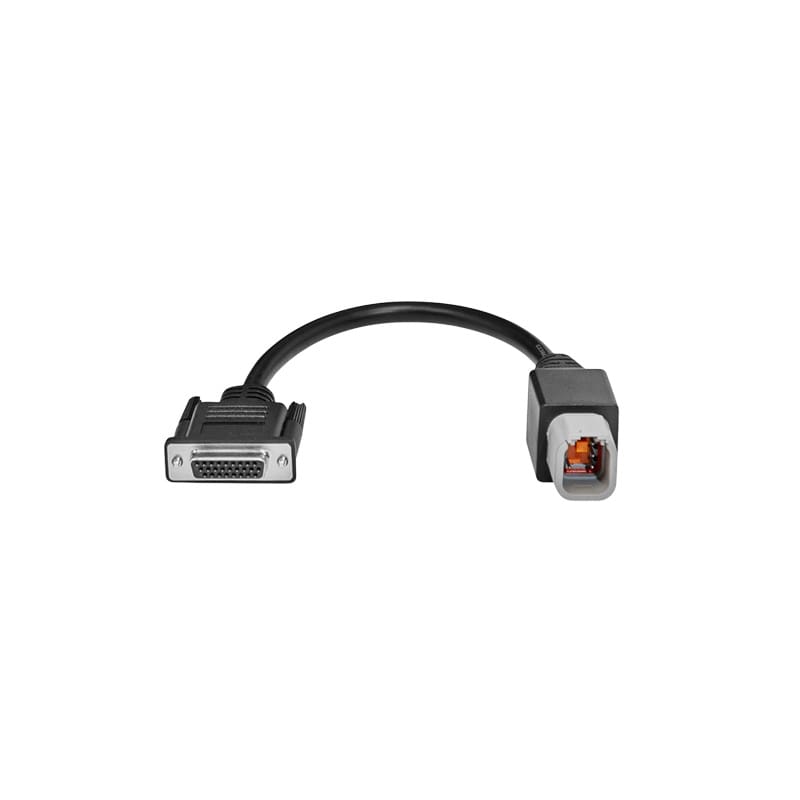
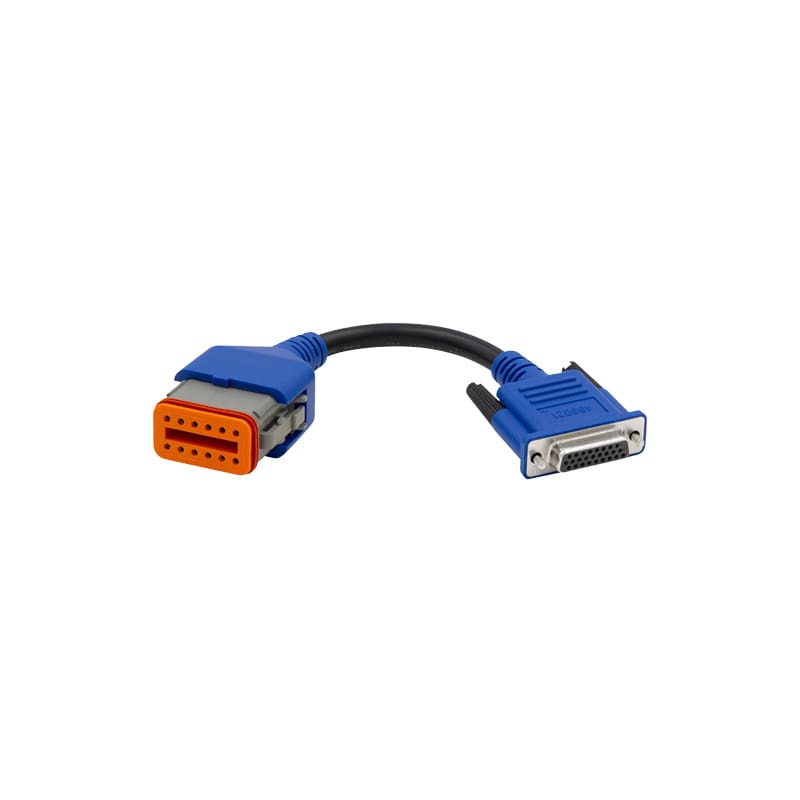
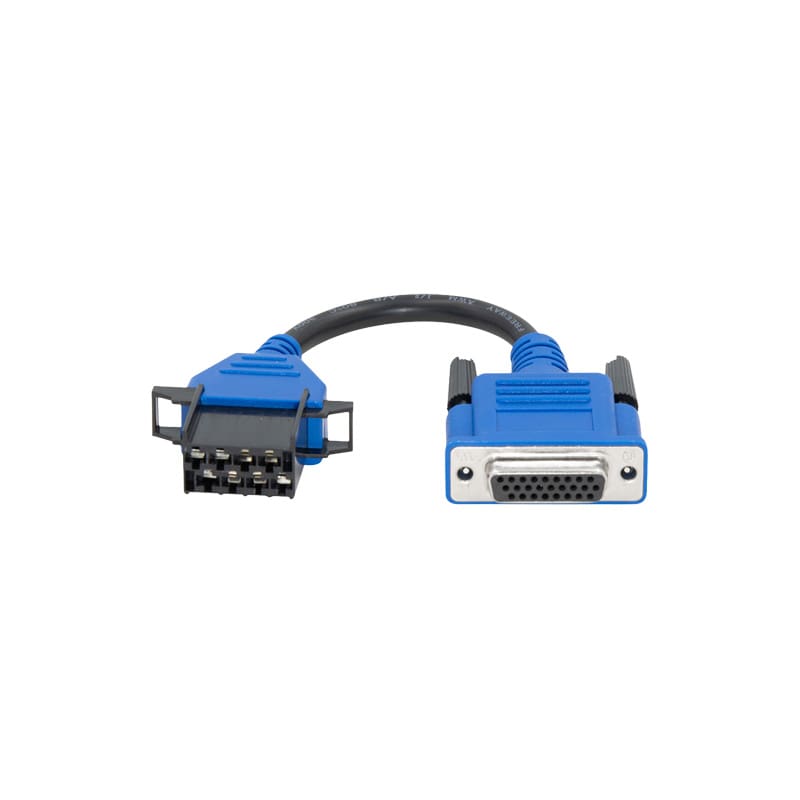
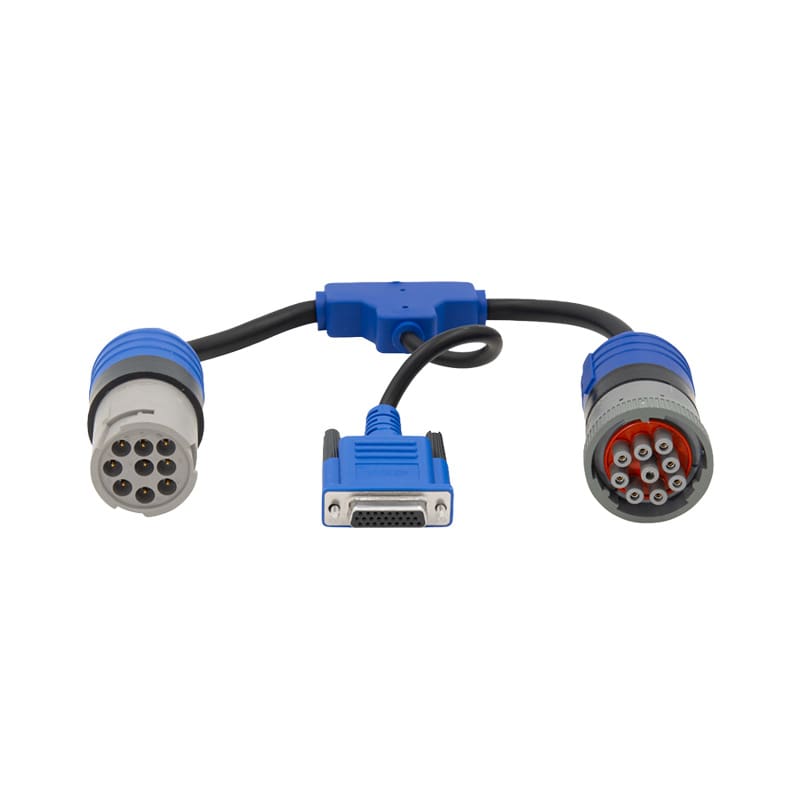
Triad can help match the NEXIQ interface and cable to the equipment.
NEXIQ vs. Noregon JPRO:
How the Two Platforms Compare
NEXIQ and Noregon JPRO both serve commercial vehicle service operations, but they approach diagnostics differently.
NEXIQ is built around a modular interface and software ecosystem. JPRO is commonly positioned as a broad, unified aftermarket diagnostic application.
NEXIQ Diagnostic Approach
NEXIQ is a strong fit for shops that need:
- A trusted vehicle communication interface
- Compatibility with supported OEM software
- eTechnician commercial vehicle diagnostics
- Pocket HD service-specific applications
- Multiple cable and adapter configurations
- A modular PC-based setup
- John Deere machine interface options
The shop can build around the hardware and software required for its vehicle mix.
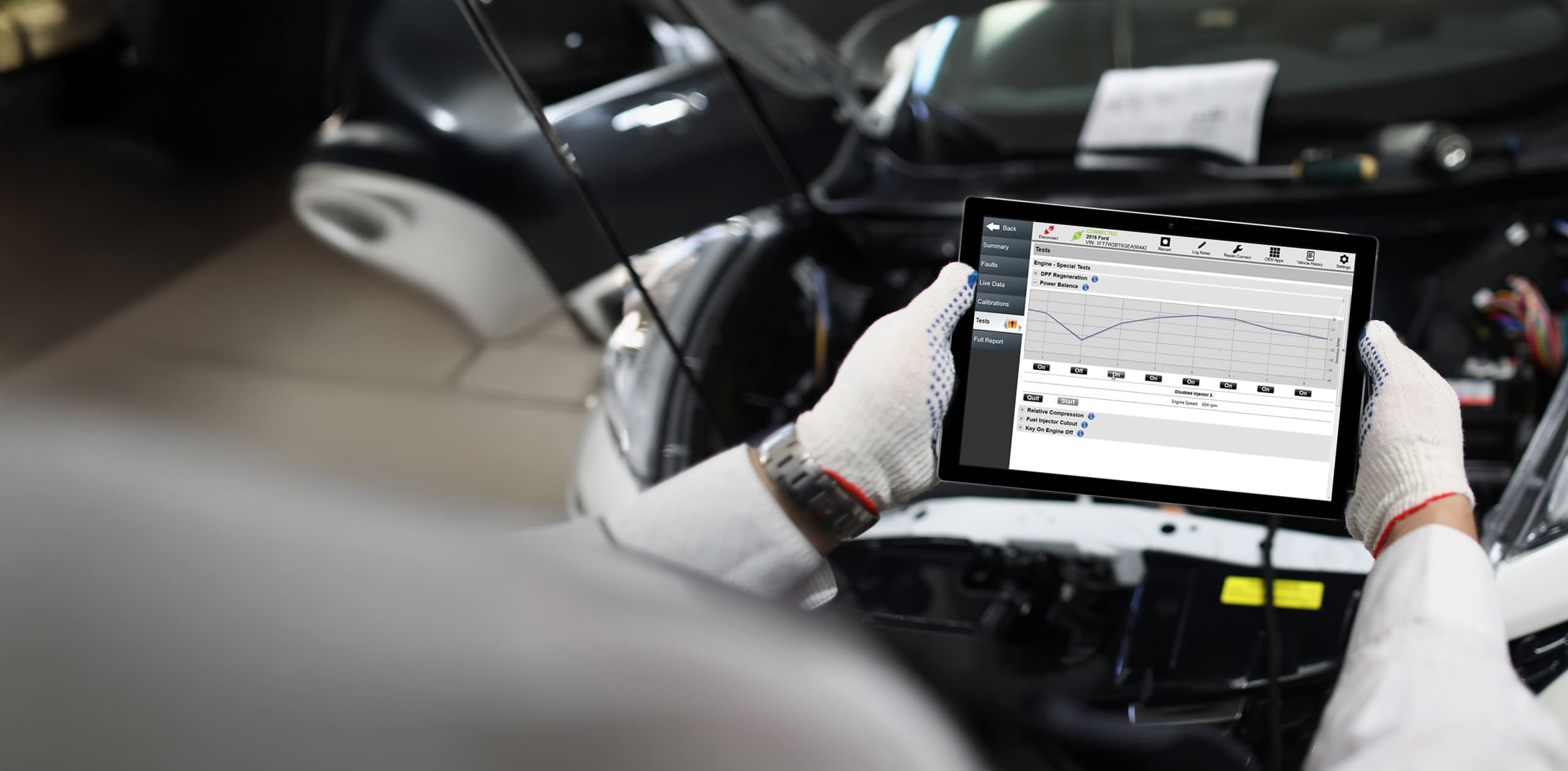
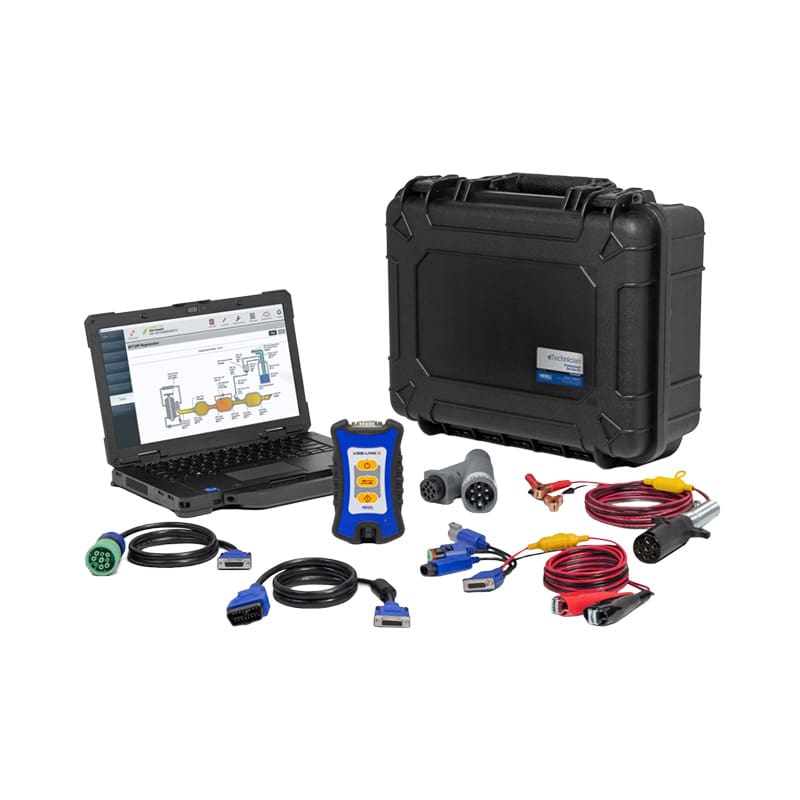
eTechnician and RepairConnect as a Current Differentiator
eTechnician includes Mitchell 1 RepairConnect information for supported fault codes, including wiring diagrams, specifications, component locations, connector views, test steps, and removal or installation procedures.
That gives NEXIQ users repair procedures inside the diagnostic workflow while preserving the flexibility of a modular NEXIQ interface setup.
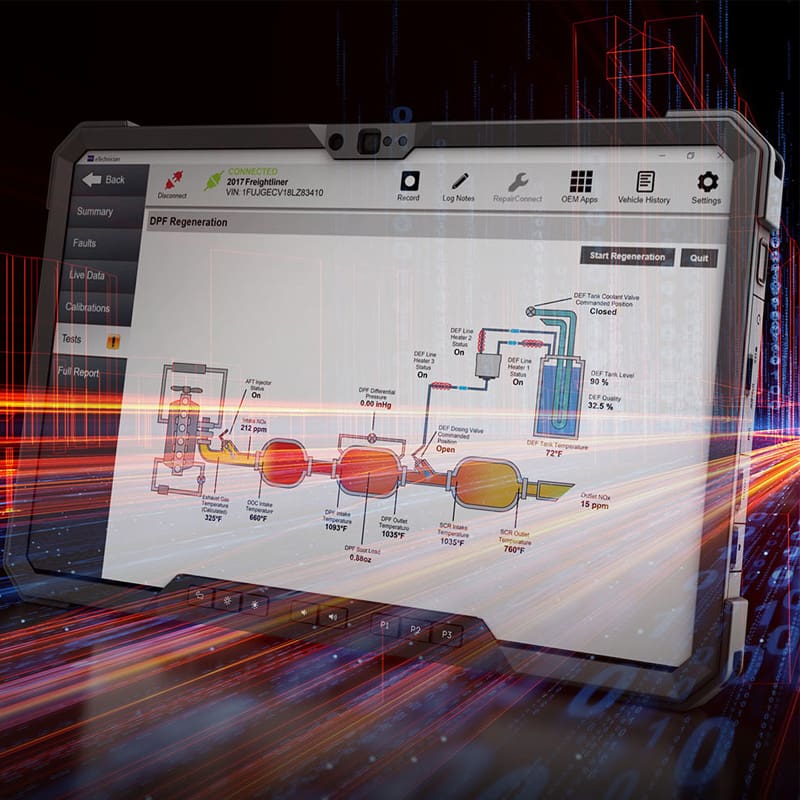
Shop NEXIQ Diagnostic Tools and Software
Build a complete diagnostic station or add the interface, software, and adapter your existing setup is missing.
NEXIQ Tools for Fleets, OEM Dealerships and Off-Highway Shops
NEXIQ diagnostic tools support several service environments because the platform can be configured around different software, vehicles, cables, and technician workflows.
Why Buy NEXIQ Tools Through Triad Diagnostic Solutions?
NEXIQ supplies the diagnostic interface, software, and connection hardware. Triad helps ensure those products work together for the vehicles and equipment your team services.
Help Choosing the Right NEXIQ Product Path
Triad can help determine whether the operation needs:
- USB-Link 3 Wireless
- USB-Link 3 Wired
- Blue-Link 2
- Standalone eTechnician software
- eTechnician with USB-Link 3
- Pocket HD DPF software
- Pocket HD ABS software
- School bus software
- John Deere interface equipment
- A complete professional diagnostic kit
The recommendation is based on vehicle mix, software access, technician workflow, mobility, existing hardware, and budget.
NEXIQ Cables and Adapter Matching
Connector appearance alone is not enough to confirm compatibility.
Triad helps match cables and adapters using:
- Vehicle or equipment make
- Model and year
- Engine or controller
- Connector type
- Interface model
- Diagnostic software
- Communication protocol
This reduces ordering mistakes and prevents lost time in the bay.
Rugged Computer Setup
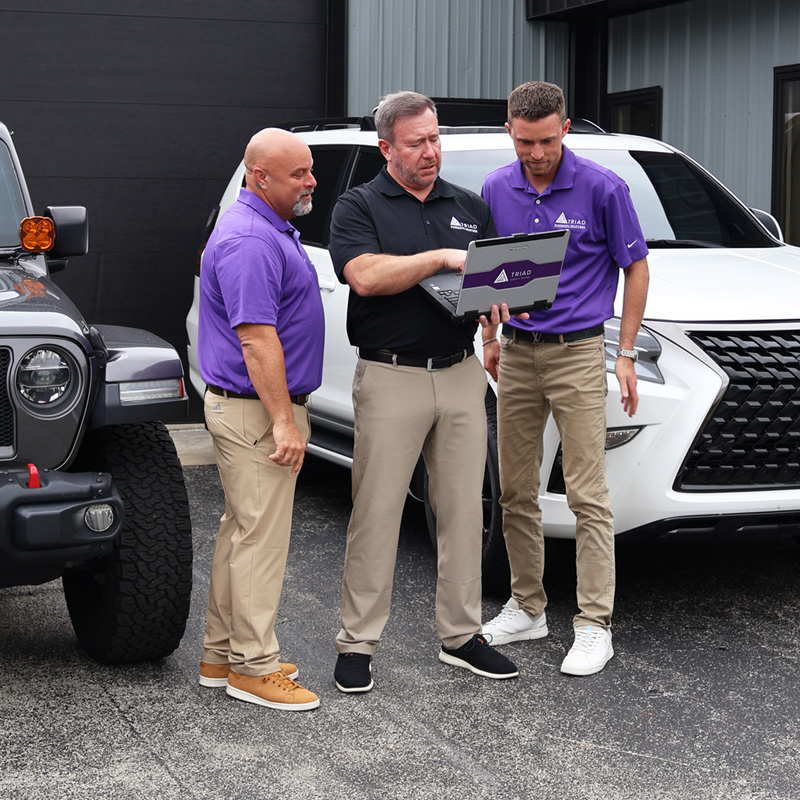
Triad can pair NEXIQ diagnostic tools with configured Panasonic Toughbook and Getac rugged computers.
This gives technicians a working platform for eTechnician and supported OEM applications instead of separate boxes that still need to be connected, installed, and tested.
Support After the Purchase
Triad supports customers with product selection, setup planning, software guidance, adapter matching, and ongoing diagnostic equipment questions.
The goal is to keep the tool working in the shop instead of leaving the customer to sort through hardware, software, and cable problems alone.
Frequently Asked Questions
About NEXIQ Diagnostic Tools
NEXIQ interfaces, eTechnician software, Pocket HD applications, John Deere equipment, cables, adapters, and configured diagnostic kits are available through Triad Diagnostic Solutions.
Triad can also help match the interface, software, computer, and cable configuration to the vehicles or equipment your team services.
eTechnician includes Mitchell 1 RepairConnect information for supported fault codes. Available information can include wiring diagrams, specifications, component locations, connector views, test steps, and removal or installation procedures.
Yes. NEXIQ interfaces can be purchased separately, but the interface requires compatible software to perform diagnostics.
Shops that do not already have software should consider an eTechnician and USB-Link 3 kit or a configured professional package.
A NEXIQ USB-Link 2 may continue to work for supported legacy vehicles and software. It does not support every newer vehicle protocol, including certain CAN FD and DoIP applications.
USB-Link 3 is the better choice for new installations and shops servicing newer commercial vehicles.
USB-Link 3 can work with NEXIQ eTechnician, qualifying Pocket HD applications, supported OEM diagnostic software, and compatible third-party applications.
Compatibility depends on the vehicle, controller, software version, operating system, cable, interface model, and active license.
NEXIQ offers a dedicated John Deere USB-Link 3 Machine Interface for supported agriculture, construction, and forestry equipment. It must be paired with compatible John Deere diagnostic software and the correct machine-specific cable.
NEXIQ Technologies is part of Snap-on’s diagnostic product portfolio. The brand specializes in commercial vehicle interfaces, software, mobile diagnostic hardware, and connection equipment.
NEXIQ provides vehicle communication interfaces, diagnostic software, mobile tools, cables, and adapters for commercial vehicle and equipment diagnostics. NEXIQ tools are used to connect supported trucks, buses, trailers, engines, agricultural machines, and off-highway equipment to compatible diagnostic software.