
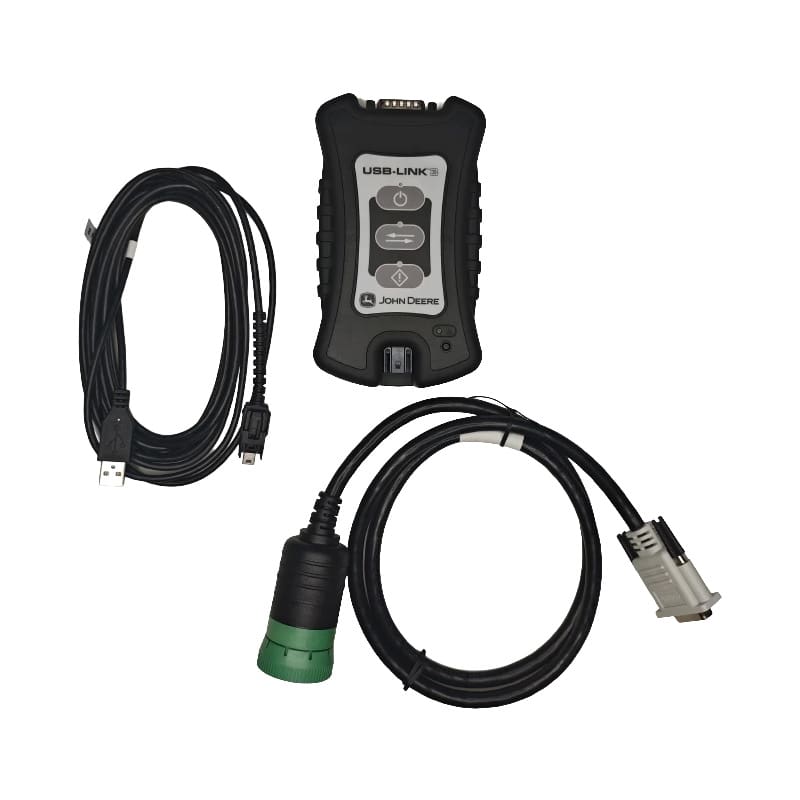
John Deere Diagnostics
Start With the Right Connection
John Deere equipment does not leave much room for guesswork. When a tractor, sprayer, excavator, loader, or forestry machine is down, the wrong cable can stop the diagnostic process before it starts.
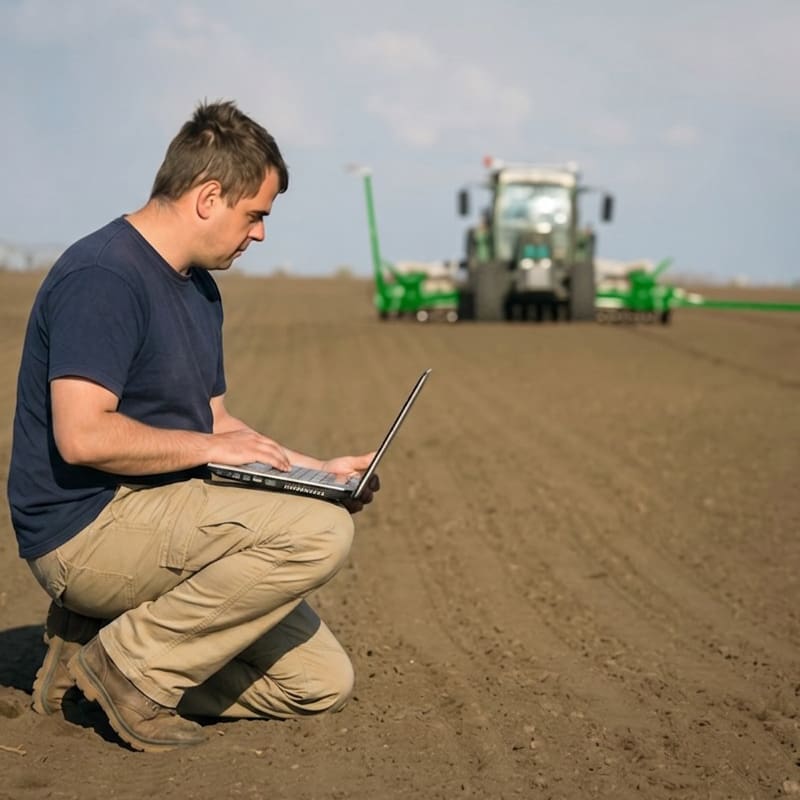
Triad helps technicians, shops, fleets, and equipment service teams choose the right John Deere diagnostic interface and cable path for supported machine applications. The Nexiq John Deere USB-Link 3 gives your team a dedicated machine interface starting point, while John Deere cables and supporting adapters help match the tool to the equipment in front of you.
If you are trying to connect to John Deere agriculture, construction, forestry, Yanmar, Kohler, or J1962 applications, Triad can help you sort the interface and cable setup before the machine is already sitting idle.
John Deere USB-Link 3 Overview
The Nexiq John Deere USB-Link 3 is a machine interface designed for supported John Deere diagnostic workflows. It is used as the communication path between compatible diagnostic software and supported John Deere equipment when paired with the correct cable.
This setup is built for technicians who need a practical way to connect to John Deere machines across agriculture, construction, and forestry service environments
What the Nexiq John Deere USB-Link 3 supports
- John Deere machine diagnostic connection workflows
- Agriculture equipment service applications
- Construction and forestry equipment service applications
- Machine-specific cable connections based on equipment type
- Use with compatible diagnostic software and required John Deere interface cables
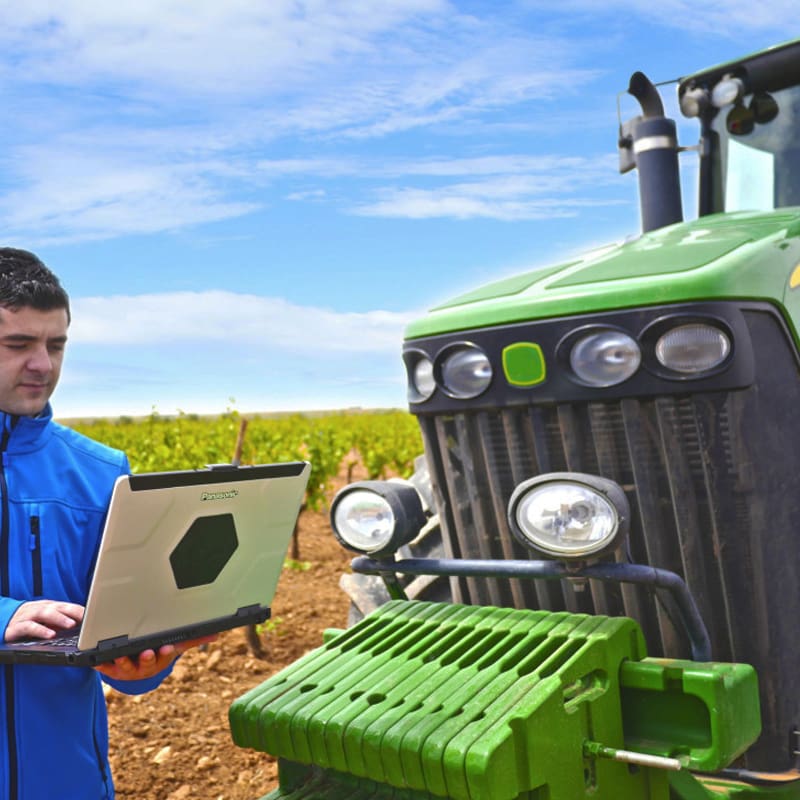
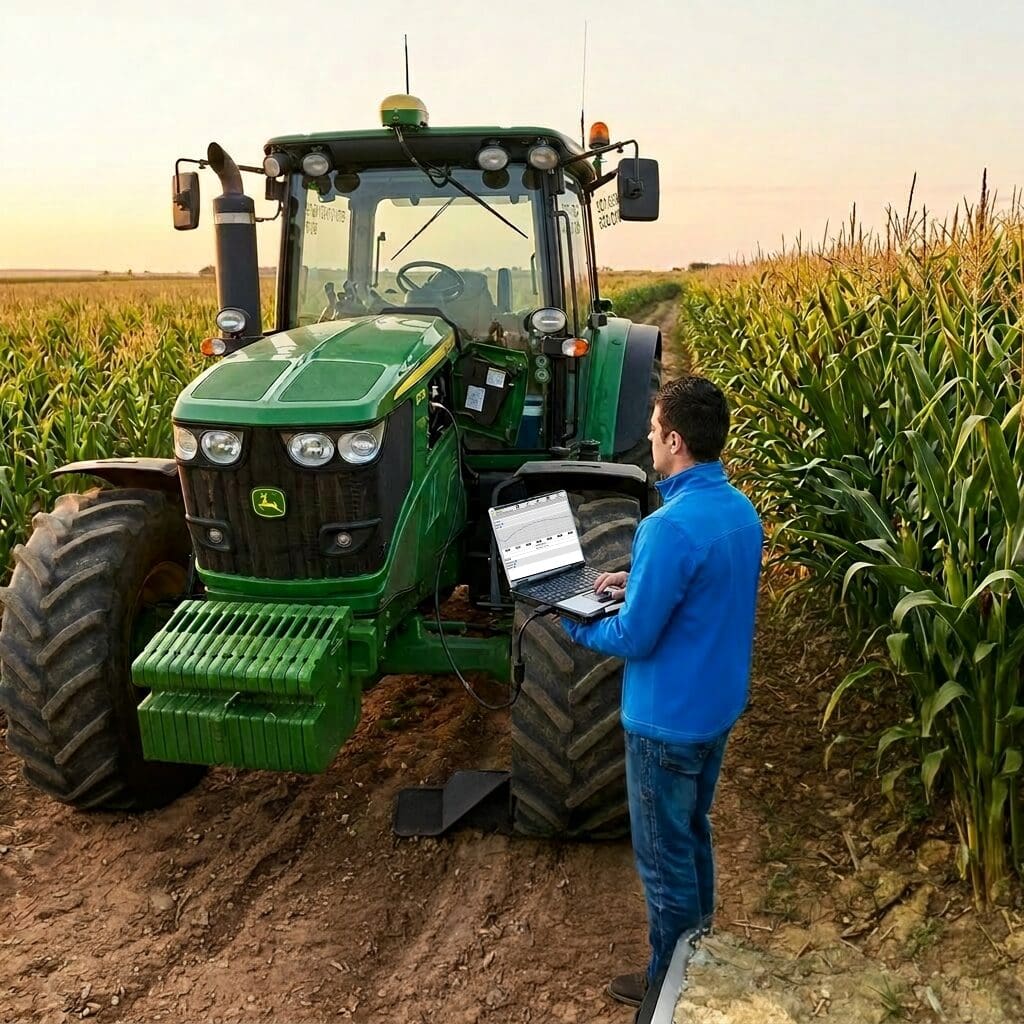
- Shop and field diagnostic setups when paired with a rugged laptop or service computer
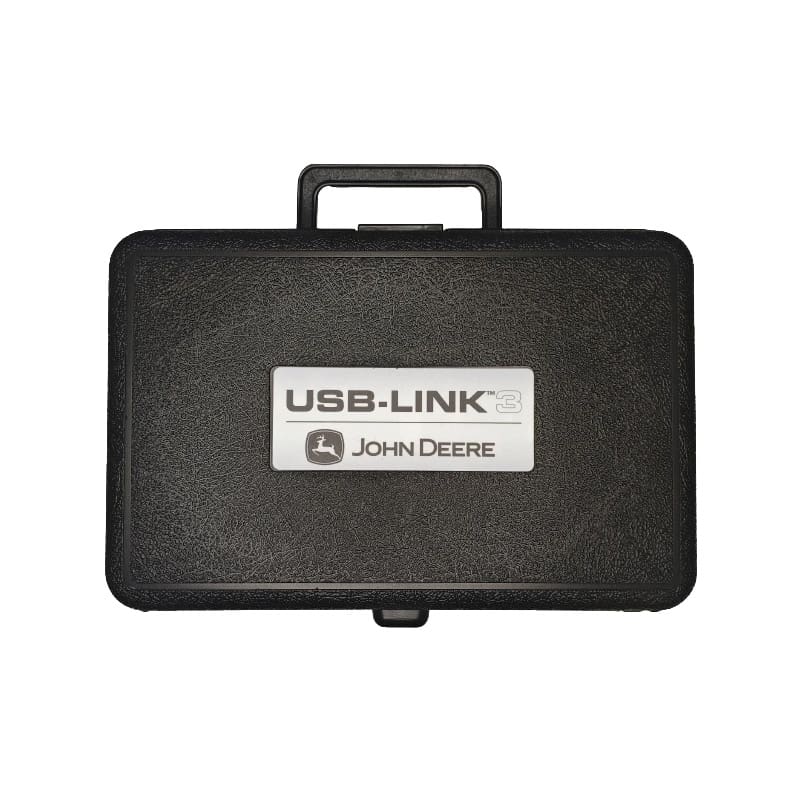
Who Uses John Deere Diagnostic Interfaces?
John Deere diagnostic interfaces and cables are built for service teams that need dependable machine access without sorting through part numbers during a breakdown.
Common users include:
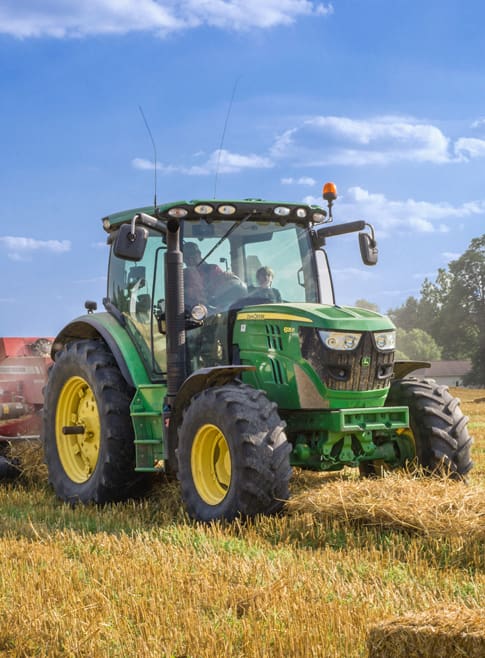
Agriculture Applications
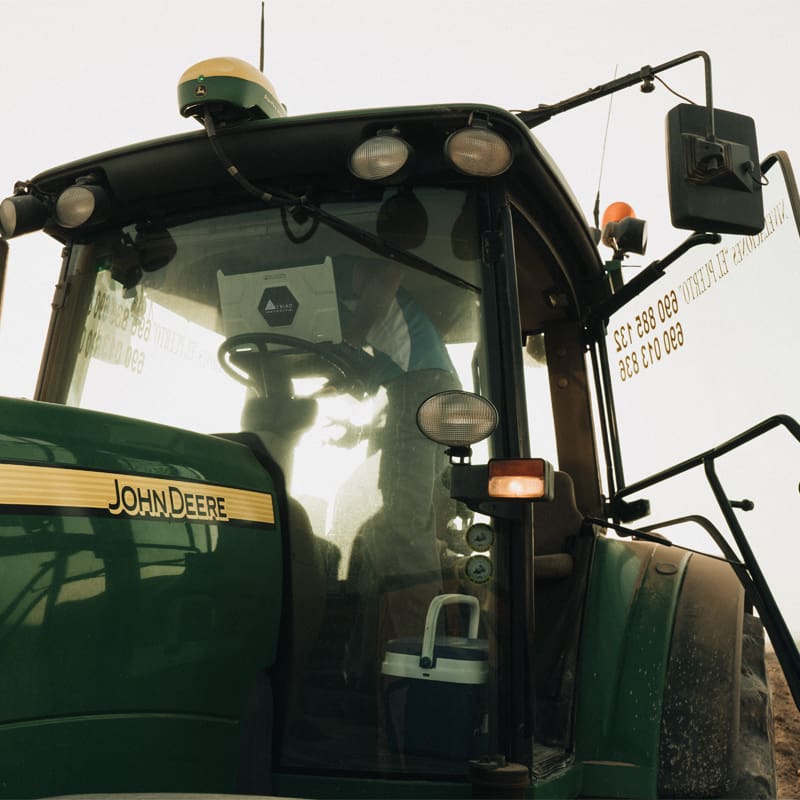
Farm equipment downtime hits hardest when the work window is already tight. Planting, spraying, harvest, and field service calls do not wait for a missing adapter.
John Deere agriculture diagnostic interfaces and cables help technicians connect to supported machines so service can move faster and with less part-number guessing.
John Deere agriculture use cases:
Construction & Forestry Applications
Heavy equipment downtime can hold up crews, delay jobs, and raise operating costs fast. For construction and forestry service teams, having the right John Deere cable on hand matters before the machine is down.
The Nexiq John Deere USB-Link 3 and construction or forestry interface cables help technicians connect to supported equipment for diagnostic workflows in the shop or field.
John Deere construction and forestry use cases:

JOHN DEERE CABLES BY USE CASE
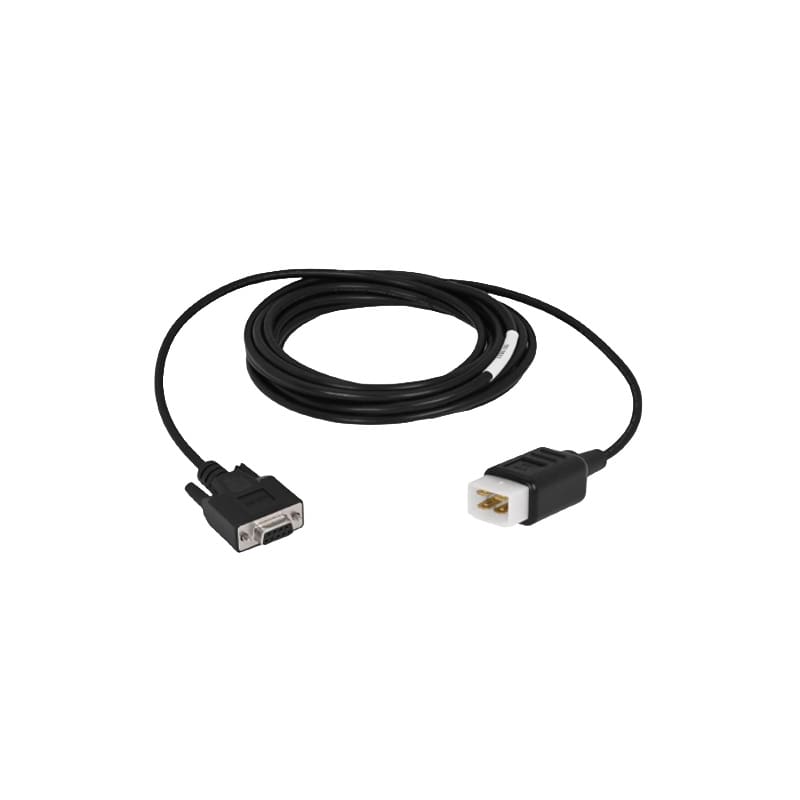
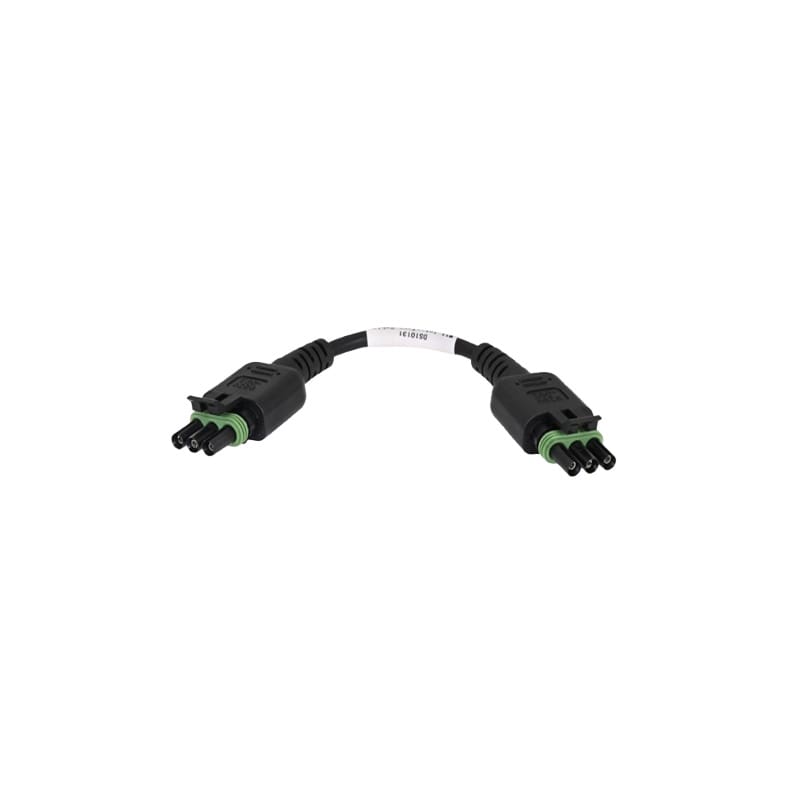
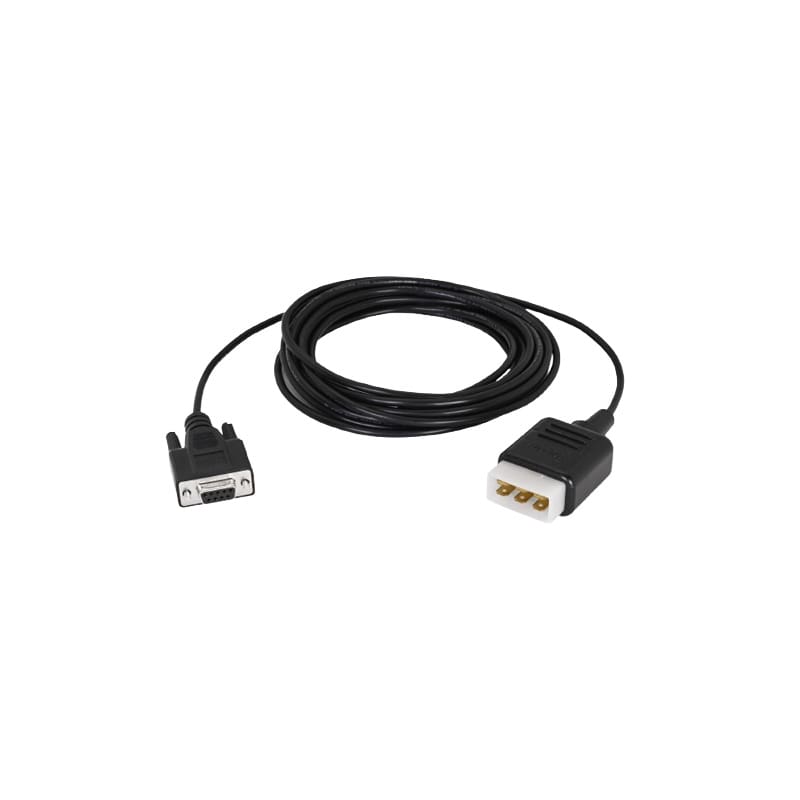
Agriculture CablesThese cables support John Deere agriculture diagnostic connection workflows for applicable machines, equipment, and service setups.
|
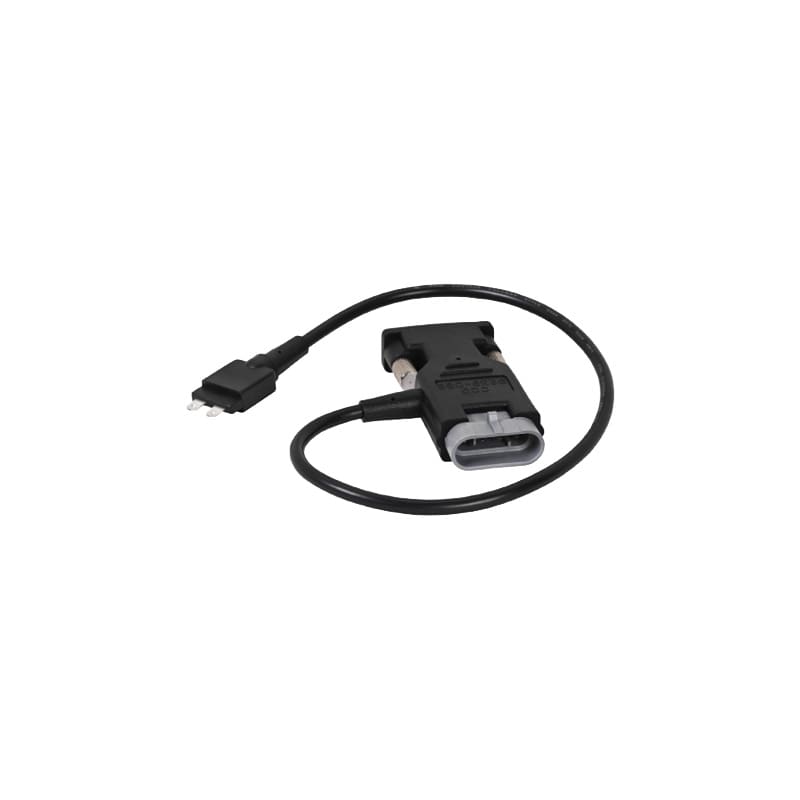
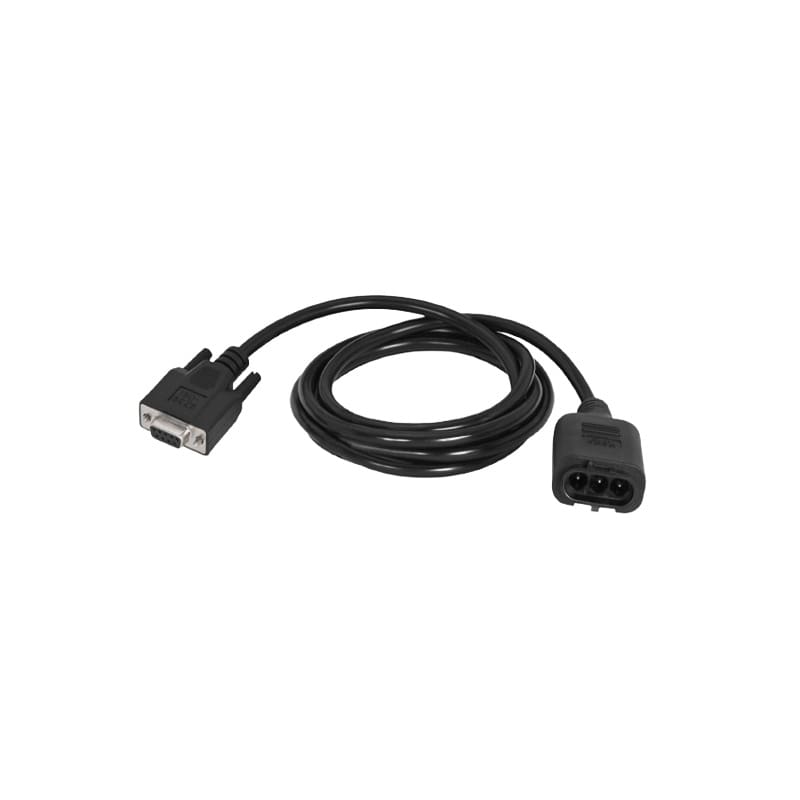
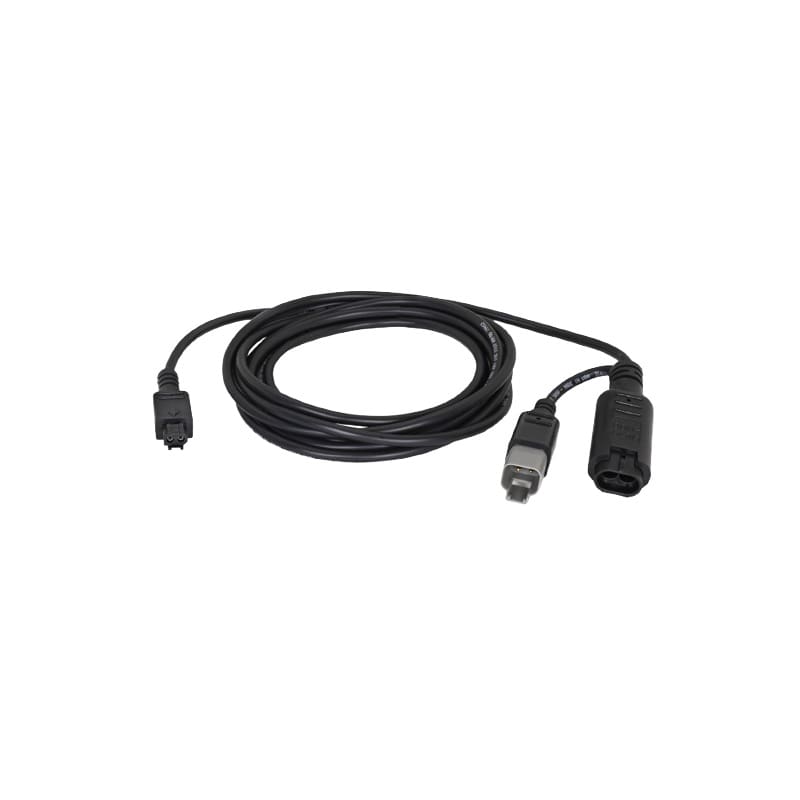
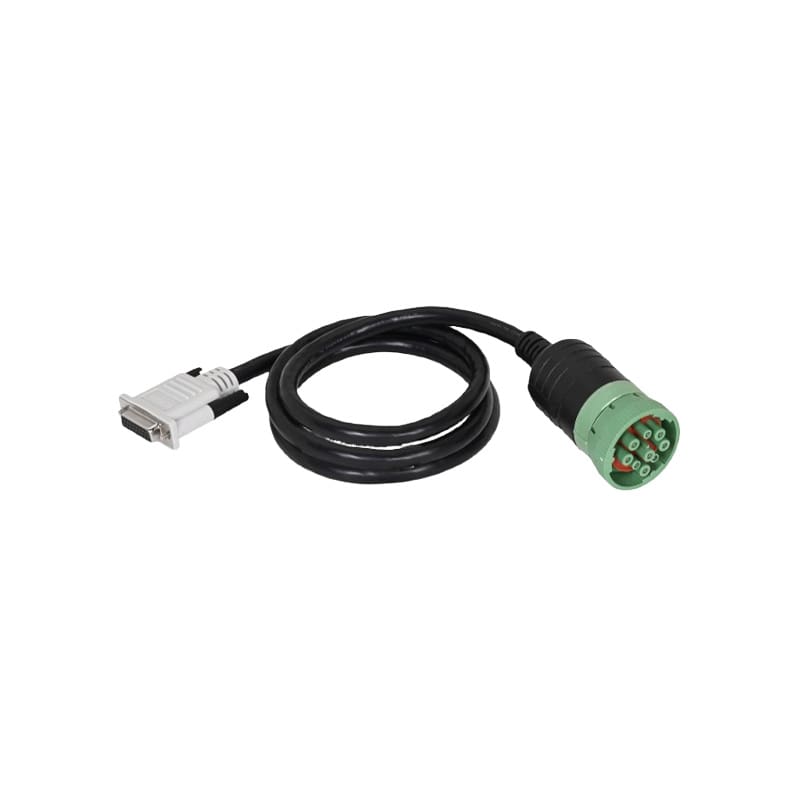
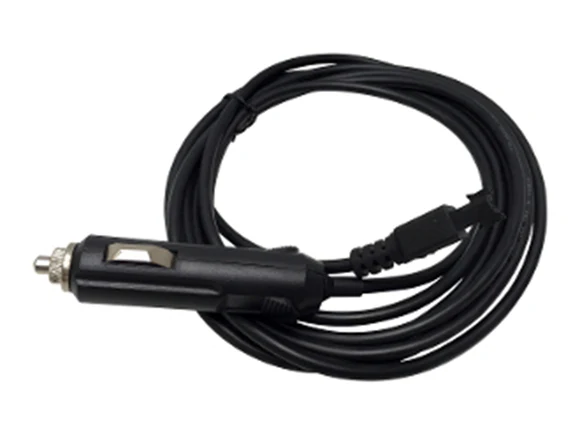
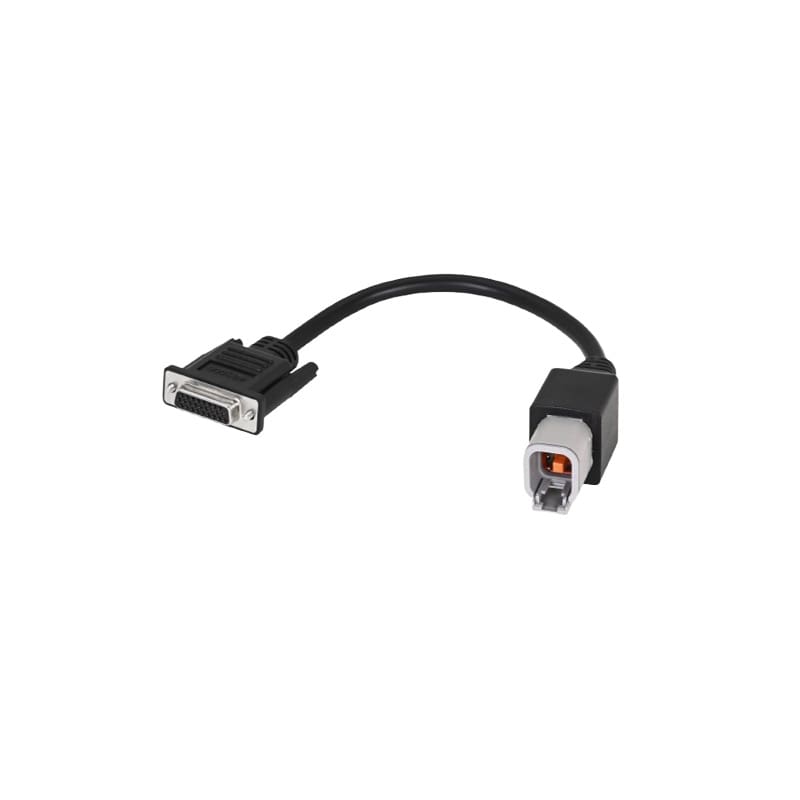
Construction & Forestry CablesThese cables support John Deere construction and forestry diagnostic connection workflows, including specialized connector types for applicable machines.
|
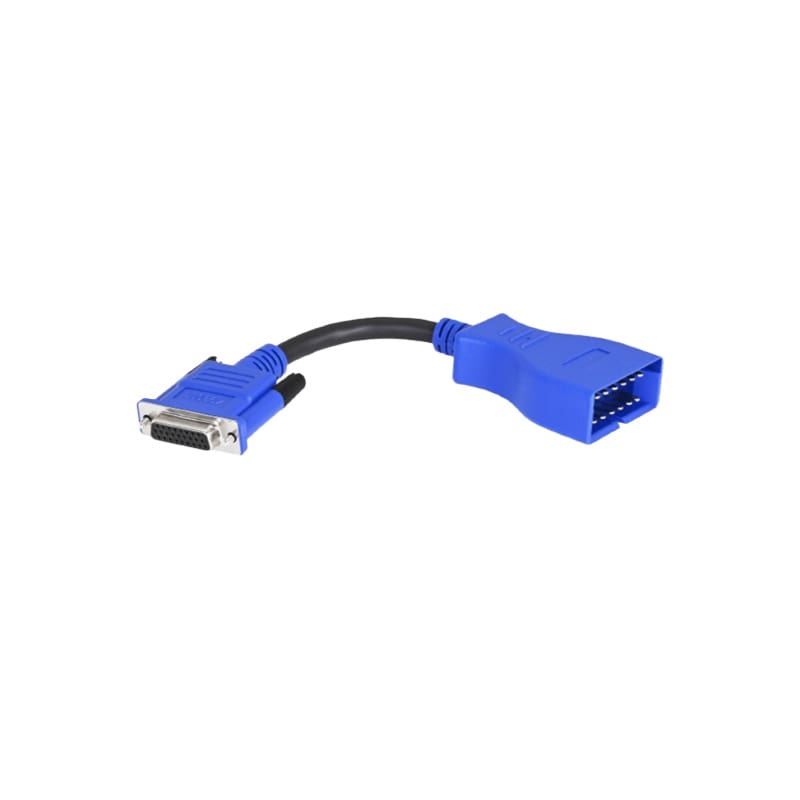
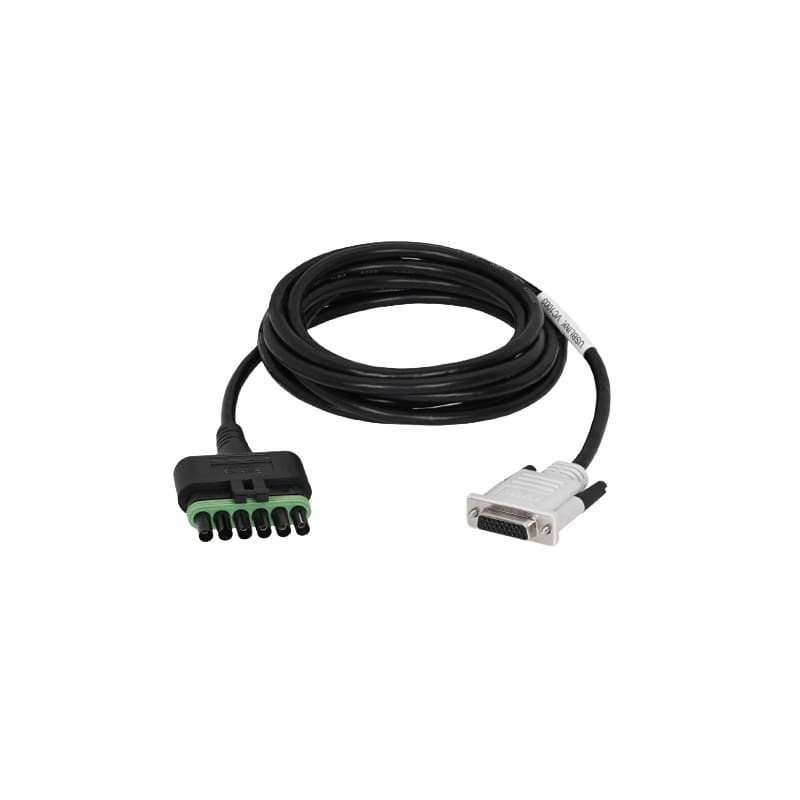
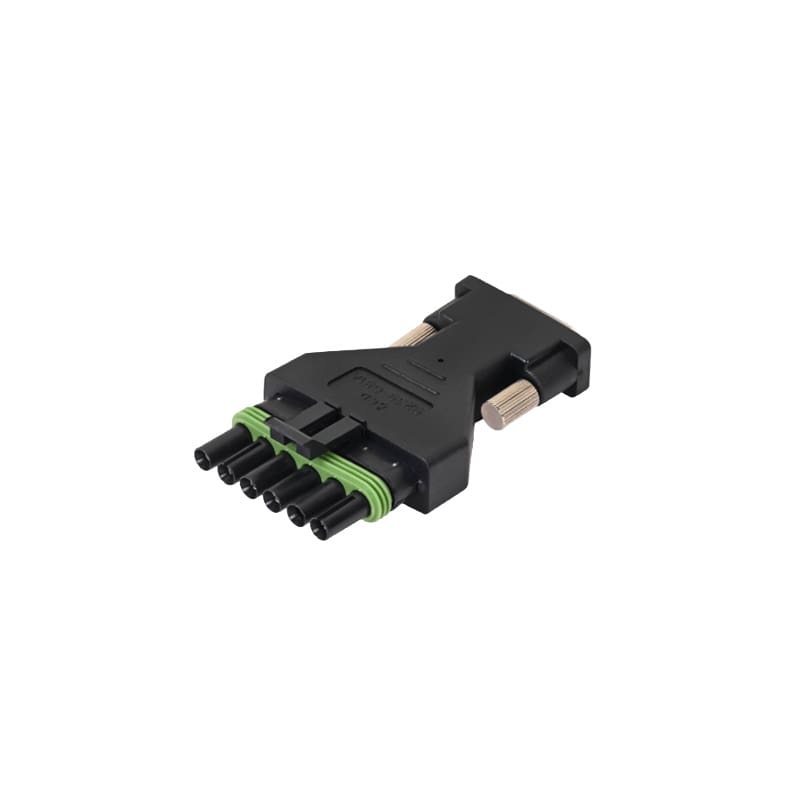
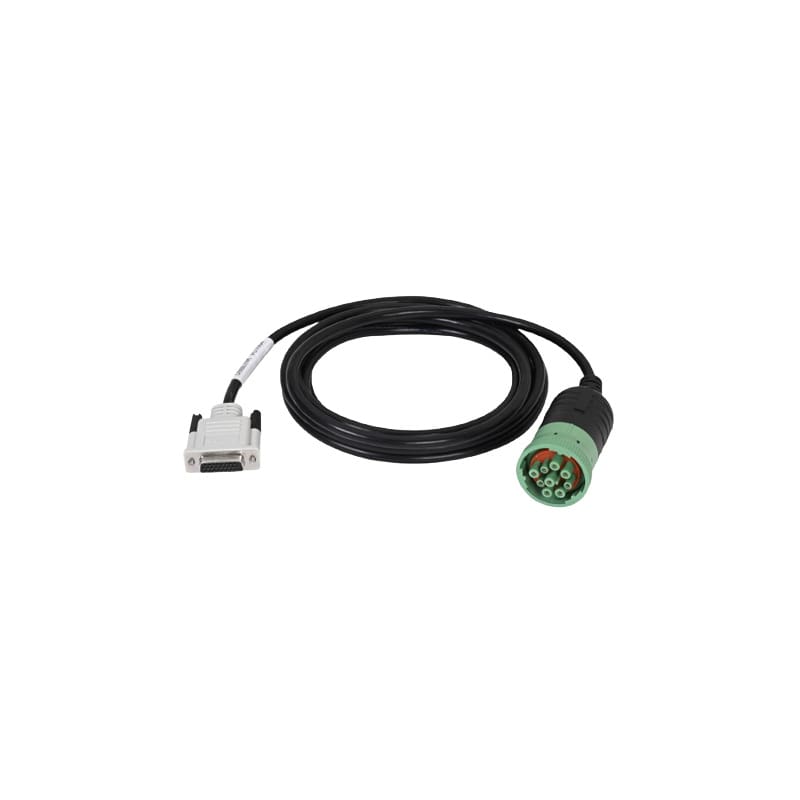
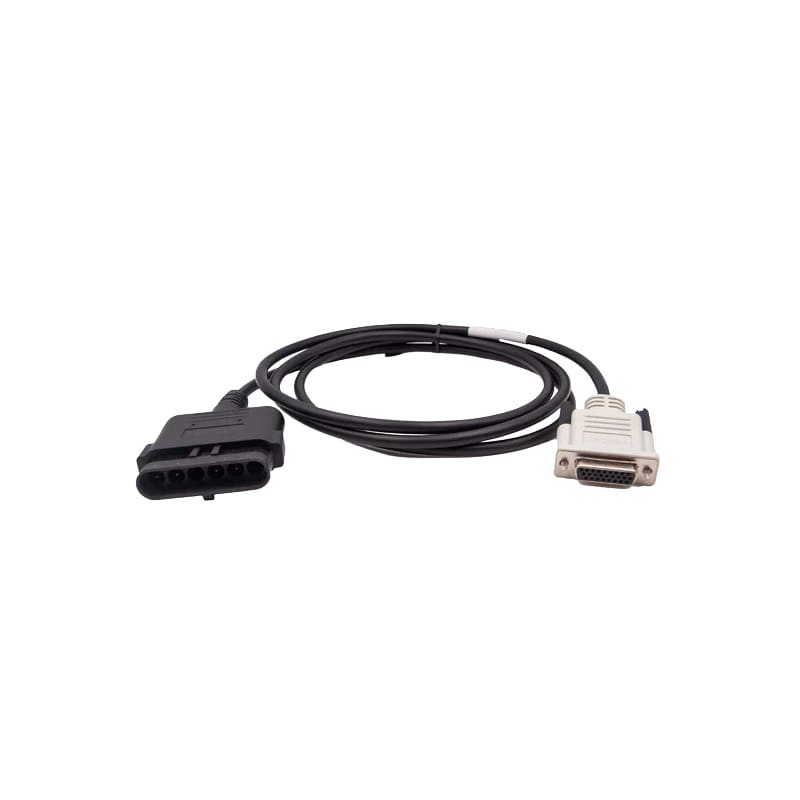
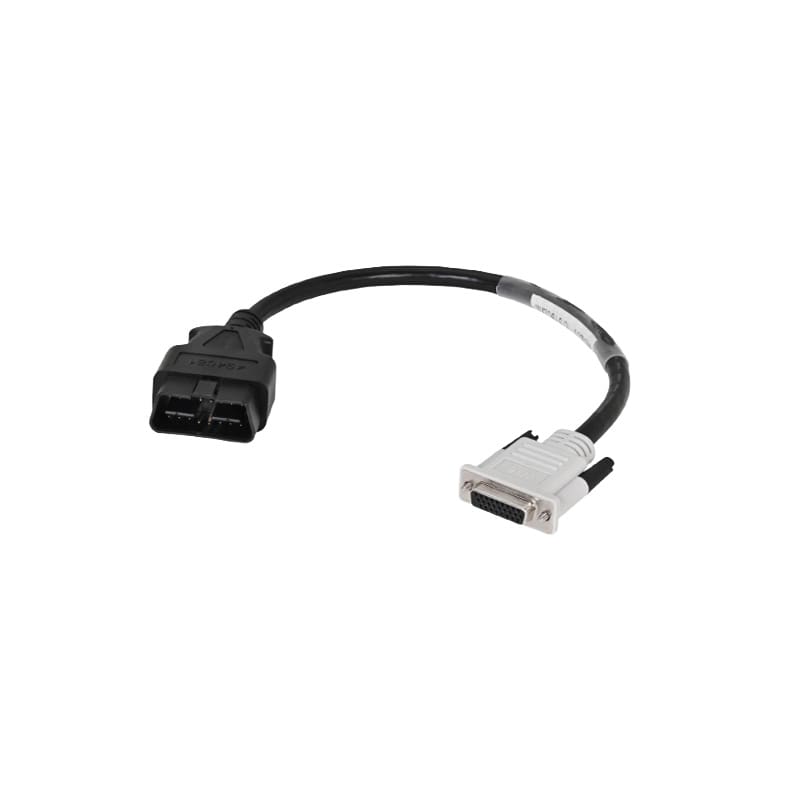
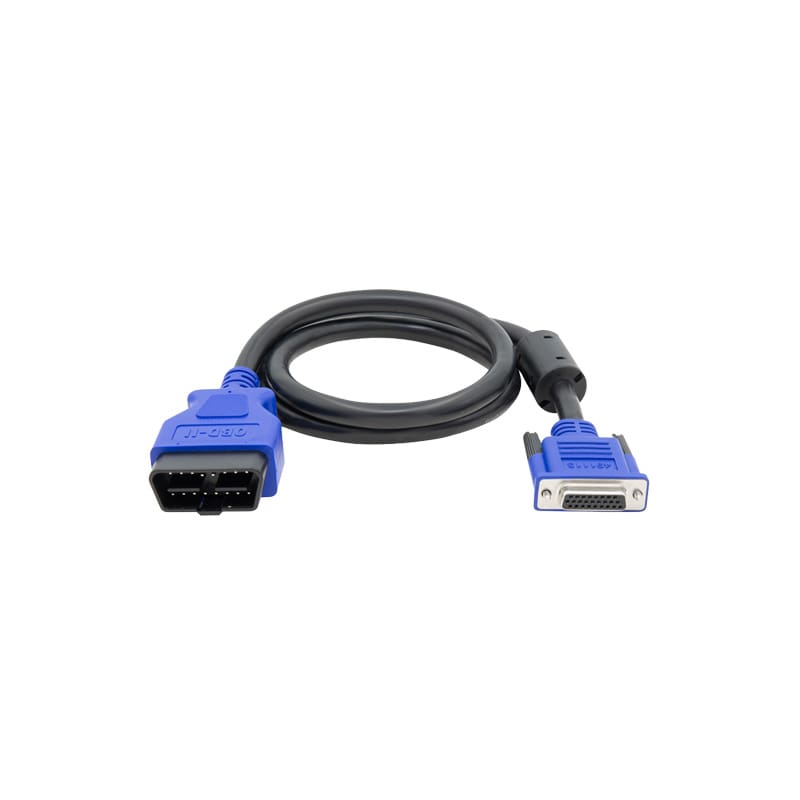
Yanmar, Kohler, and J1962 Supporting AdaptersSome John Deere service workflows may require supporting adapters beyond the main agriculture or construction and forestry cable path. These adapters help round out a John Deere diagnostic setup for specific machine or engine applications.
|
How to Choose the Right John Deere Diagnostic Cable
Choosing a John Deere cable starts with the machine, not the tool shelf. Different John Deere applications may require different connection paths, even when the same interface is used.
Before you buy, check:
Why Buy John Deere Diagnostic Interfaces From Triad?
Buying the interface is the easy part. Getting the correct interface, cable, adapter, computer, and software setup is where many service teams lose time. Triad helps shops, fleets, and equipment service teams choose diagnostic tools that match the work they actually do. We help you sort the cable path, understand what belongs together, and avoid ordering gaps that slow down service.
What Triad helps with:
John Deere Diagnostic FAQs
Yes, the interface and cables can be part of a field diagnostic setup when paired with compatible software and a rugged computer suited for shop or field conditions.
The J1962 cable supports applicable John Deere machine diagnostic workflows that require a J1962 connection. Some applications may require a J1962 cable with DoIP support.
Yanmar-related workflows may require Interface Cable W13 Yanmar. Kohler-related workflows may require Interface Cable W15 Kohler. Fitment should be confirmed based on the equipment and diagnostic application.
No. This page covers John Deere agriculture, construction, and forestry diagnostic connection needs, plus supporting Yanmar, Kohler, and J1962 adapter paths.
Yes. Triad can help review the machine type, application, and connector path so you can choose the right cable before purchase.
Usually, no. The interface is the starting point. Most service setups also need the correct John Deere cable or adapter, compatible diagnostic software, and a computer that can run the software reliably.
The right cable depends on the machine. Common John Deere cable options include W5 Ag, W10 Ag, W5 C&F, W10 C&F 12-pin GM, W2 CCD, W3 6-pin, W4, W6 Deutsch ECU, W7, W8, W9, W11, W12, W13 Yanmar, W15 Kohler, W16 J1962, and W19 6-pin ZF.
Yes. John Deere agriculture and construction or forestry applications may require different cable paths. The correct cable depends on the equipment type, model, and diagnostic connector.
It supports John Deere diagnostic connection workflows when used with compatible software and the correct machine-specific cable. Common applications include John Deere agriculture, construction, and forestry equipment.
The Nexiq John Deere USB-Link 3 is a machine interface used to connect supported John Deere equipment to compatible diagnostic software. It should be paired with the correct John Deere cable or adapter based on the machine and application.